
7.1 Expected Log Control Output
- Run the application:
- Yocto
Project:
root@sama5d27-wlsom1-ek-sd:/ocpp1.6#./ocpp1.6_WD - Buildroot:
root@sama5d27-wlsom1-ek-sd:/ocpp16#./ocpp1.6_WD
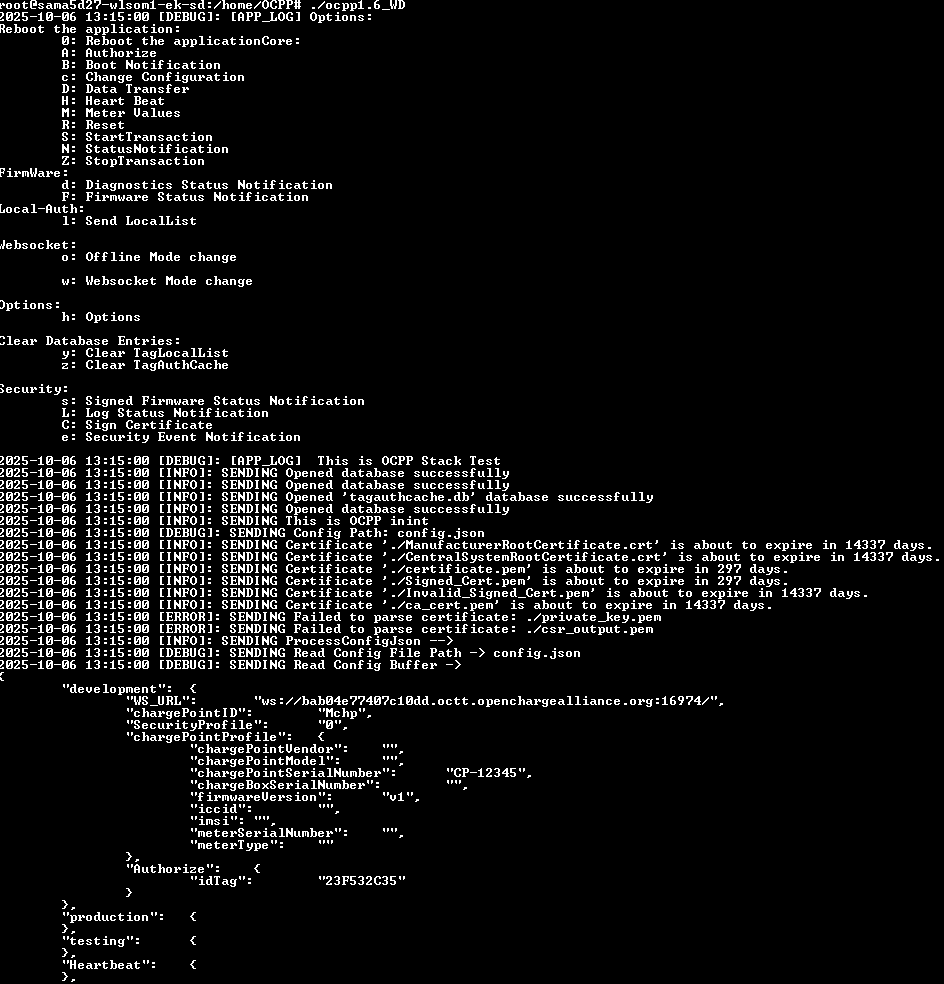
- Yocto
Project:
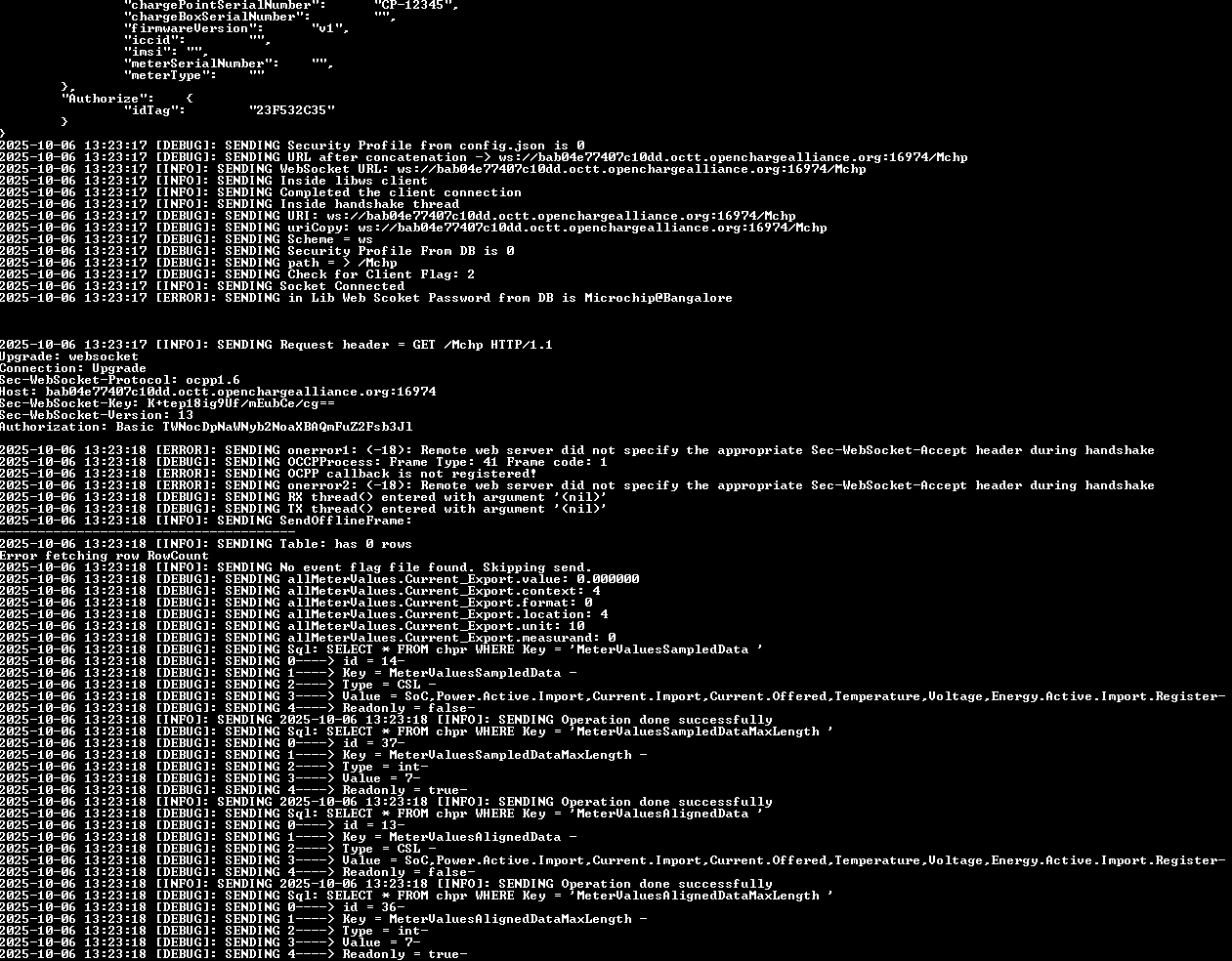
- The image below indicates that the target
device has successfully established a connection with the OCTT server:
- The image below shows that the session
status has changed to Connected, and a message appears in the server log stating
Successfully Connected to System Under Test on Default Port:
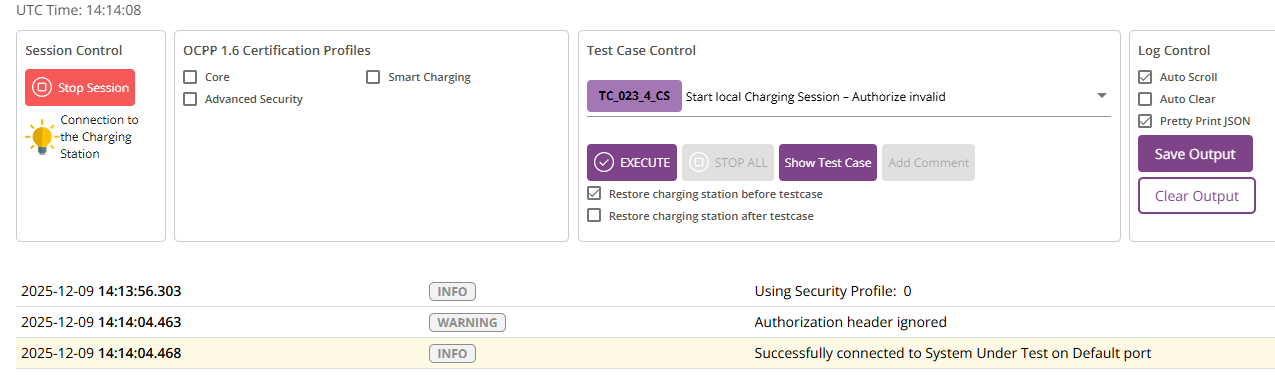
Once this stage is reached, the setup is successfully completed and you can proceed to execute the test cases.