2.3.2 Connection Procedure
Follow these steps:
- Plug the FTDI (USB-RTL) cable from your PC into the target SAM device’s DBGU port.
- Connect a 5V power supply to the board.
- Perform a power-on reset.
- Ensure that the serial COM port is
detected on the host machine in the Device Manager.
- On a Windows® host, check the
Device Manager for the COM port.
Figure 2-5. Windows Device Manager 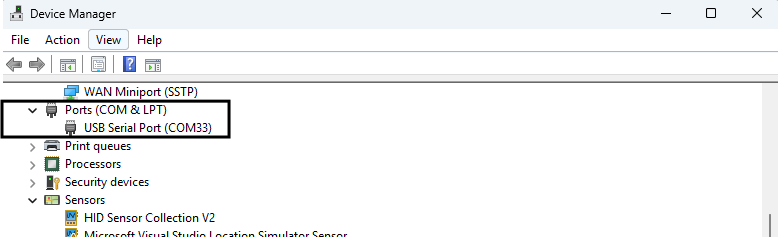
-
On Linux®, use
ls /dev/tty*to locate the device (for example,/dev/ttyUSB0).Figure 2-6. Linux Terminal Console 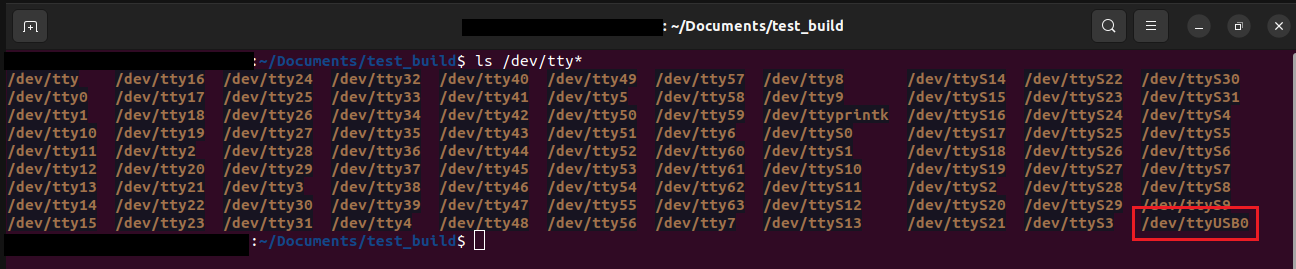
- On a Windows® host, check the
Device Manager for the COM port.
- To check if the USB has entered SAM-BA® Monitor mode, open a console terminal application and
type
V#. This will display the ROM code version of the device.Figure 2-7. Tera Term Console (Windows) 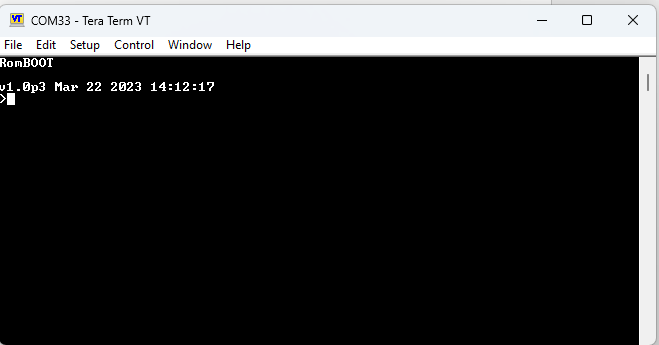
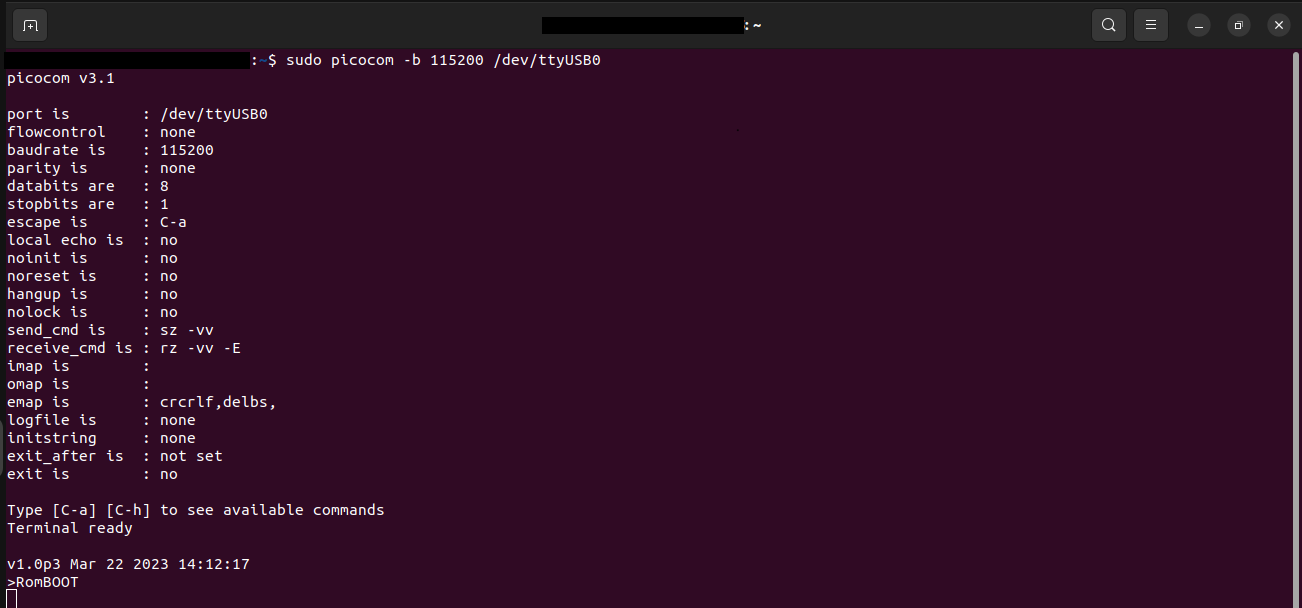
Figure 2-8. Emulator Console (Linux)