6.1.6 Packs on the Web
To find and download pack versions from the web, go to:
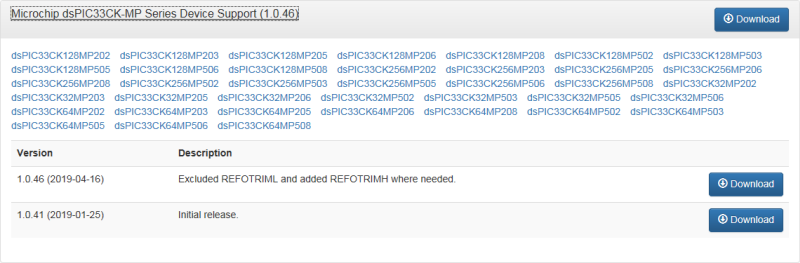
Click on the name of a pack to see pack information, such as supported devices and pack version history. Then:
- Click Download to download the DFP to your computer.
- In Pack Manager, from the Install or Uninstall Packs button drop-down, select Install Pack from Local Source. Browse to where the DFP was downloaded and select it to install.