
2.4 Using MPLAB PICkit Basic In-Circuit Debugger with MPLAB® for VS Code®
To install MPLAB for VS Code:
- Download Visual Studio (VS) Code.
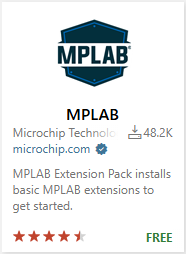
- Start VS Code and search for MPLAB Extension Pack in the Extension Marketplace (Ctrl + Shift + X).
- Install the MPLAB Extension pack.
Next, choose to either
- Create a New Project: Use the Command Palette (Ctrl + Shift + P) to type/select MPLAB:Create Project.
- Import an Existing Project: Import an MPLAB X IDE Project Folder by using (Ctrl + K Ctrl + O).
Edit project properties by selecting either:
- Edit Project Properties in a UI (recommended): Use the Command Palette and type/select MPLAB: Edit Project Properties (UI).
- Edit Project Properties (JSON): Use the Command Palette and type/select MPLAB: Edit Project Properties (JSON).