2.4 Connecting Evaluation Kits
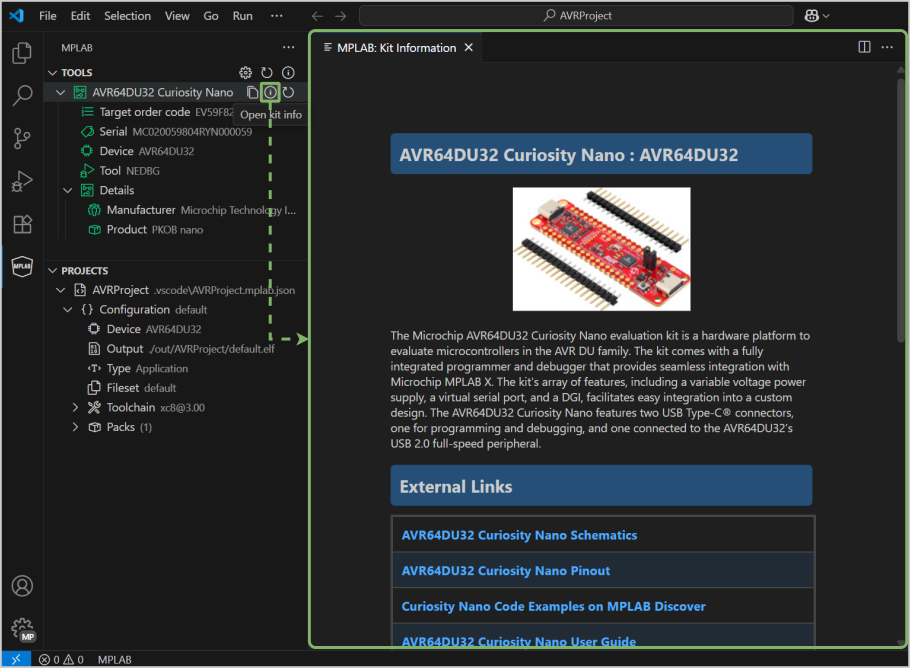
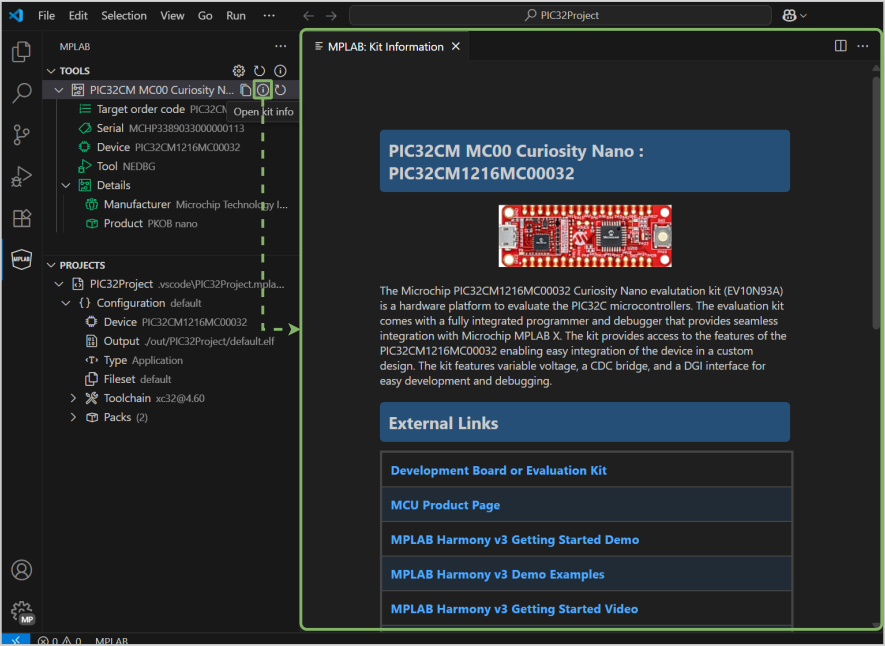
When an evaluation kit is connected, kit information appears, providing a description of the kit along with links to user guides, example projects from MPLAB Discover, reference designs, and schematics. In the MPLAB Tools for VS Code, the Kit Window can be accessed from the Tools information icon.