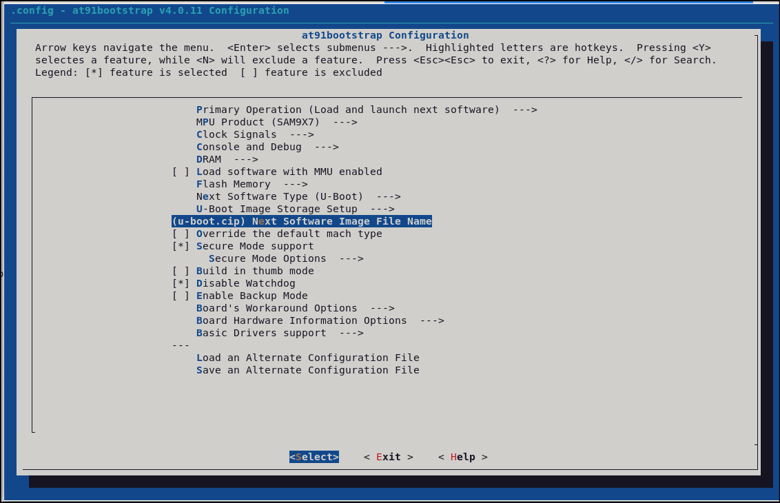
6 at91bootstrap Configuration
Now that U-Boot is configured to boot only signed images, you must configure the at91bootstrap program for secure boot.
- Run the following command:
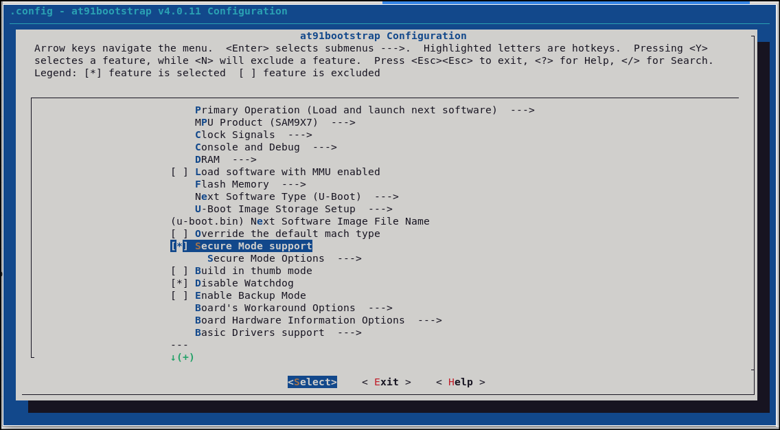
$ make at91bootstrap3-menuconfig - Enable Secure Mode support and
select a key size that matches the boot configuration that will be used in the
system.
The key size options for encryption and authentication are shown in the following figure:
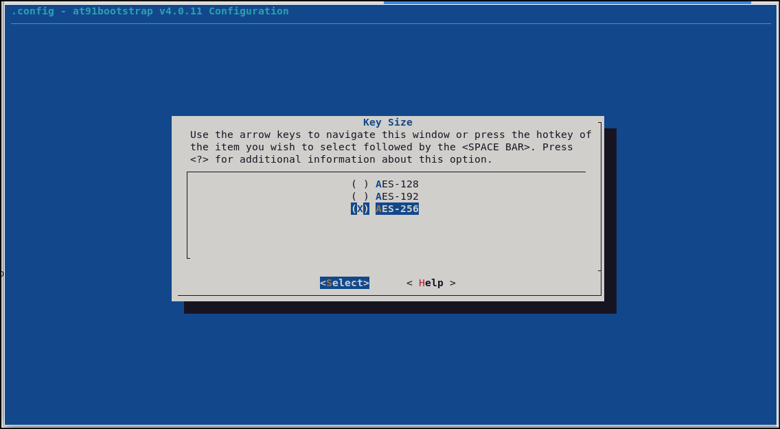
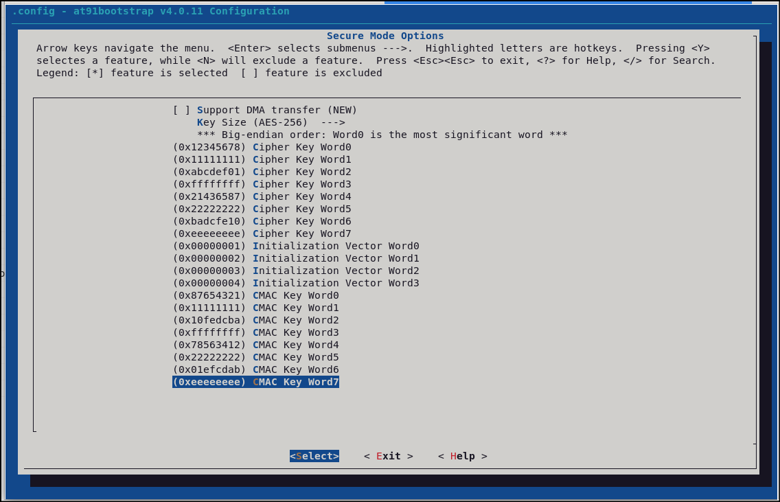
- When 128-bit keys are selected, both the cipher key and the CMAC key are 128 bits.
- When 192-bit keys are selected, an additional 64 bits must be entered for both the cipher key and the CMAC key.
- When 256-bit keys are selected, both the cipher key and the CMAC key are 8 words long.
Make sure that the U-Boot image to be booted is named u-boot.cip in the at91bootstrap configuration so that it matches the name that will be used during the application encryption step.