
2.1 SAMA5D27-WLSOM1-EK1
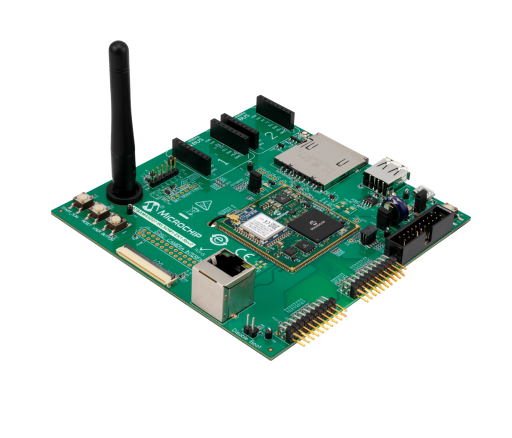
To set up the target:
- Insert the SD card into the target board.
- Connect an Ethernet cable to the RJ45 port on the board, ensuring it is connected to a network with internet access.
- Connect an FTDI-compatible serial-to-USB dongle to the UART DEBUG J26 header and the PC.
- Ensure that jumper J8 is open to prevent booting from QSPI Flash.
- Use a USB Type-A-to-microUSB cable to connect the J10 microUSB port for power.
- Open the serial console using your preferred terminal application, for example, sudo minicom -s.