
7.2 Running a Sample Test Case
Using the Test Case Control drop-down menu, you can select the ID of any test case you wish to execute.
Select the test case ID TC_062_CS and click on EXECUTE.
Note: This test case does not require any user
input from the target board’s serial console.
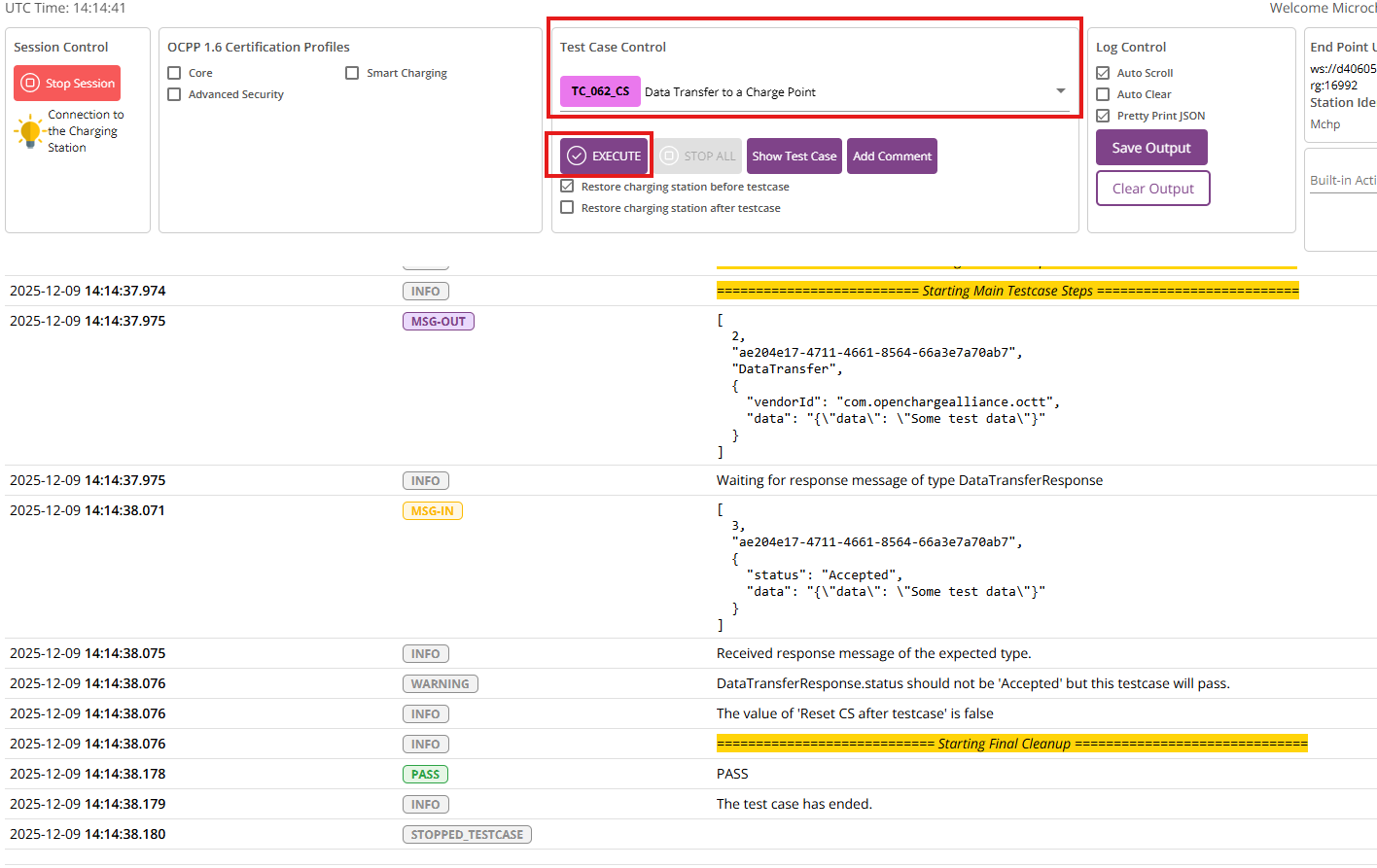
Congratulations! You can execute the OCTT test cases.