
1.2.3 SmartDebug Flow
(Ask a Question)To invoke the Smart DebugGUI, select the appropriate receiver settings from Signal Integrity: PF_XCVR_0/LANE0 menu. To apply the settings to PolarFire tranciver, click apply.
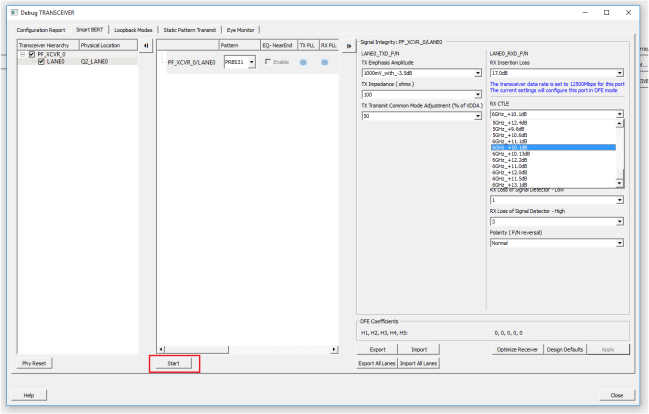
- CTLE mode:
- After selecting the transmitter and receiver attributes, you can select any of 63 CTLE settings from Rx CTLE tab.
- DFE mode:
- If the design is working in DFE mode, use Optimize Receiver button to auto tune the CTLE and DFE settings. New settings are displayed on the GUI.
In case, you use the far end loop back mode, you can generate the PRBS pattern to transfer the data stream. For more information, Figure 1-13.