Click the Clean and Build icon
located on the tool bar.
Figure 5-2. MPLAB X IDE
Toolbar
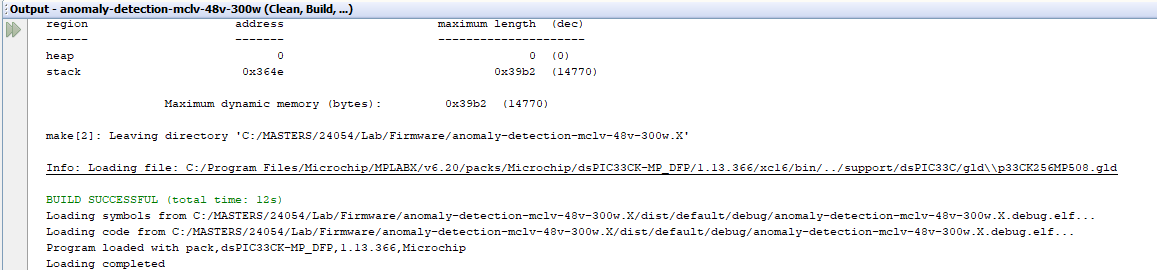
Verify the project successfully
performed the Clean and Build process.
Figure 5-3. MPLAB® IDE Build
Output
Click the Make and Program Device
Main Project icon on the tool bar.
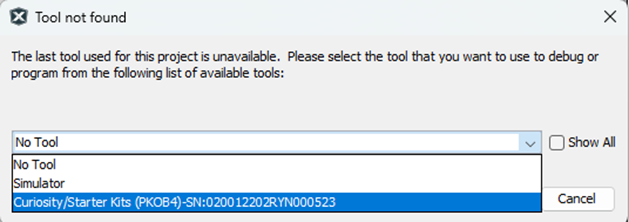
Select programmer (on board PICKit, PKoB4).
Figure 5-4. Programmer
Selection
Click Accept.
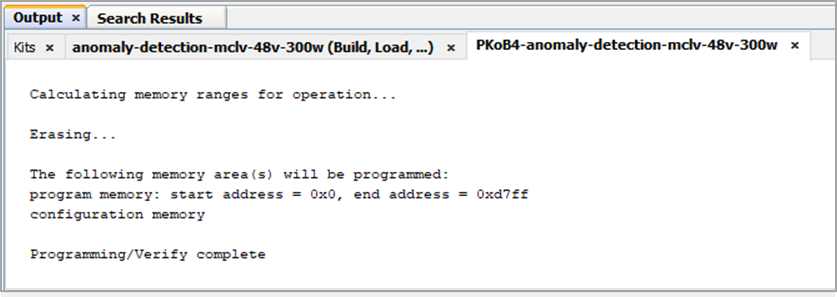
Confirm the device is programmed.Figure 5-5. Expected Output After
Programming the Board
The online versions of the documents are provided as a courtesy. Verify all content and data in the device’s PDF documentation found on the device product page.