
7.1 Create a Pipeline
To train a model, a pipeline is created to organize a series of data processing steps, including input data sources, transformations, feature engineering and classification.
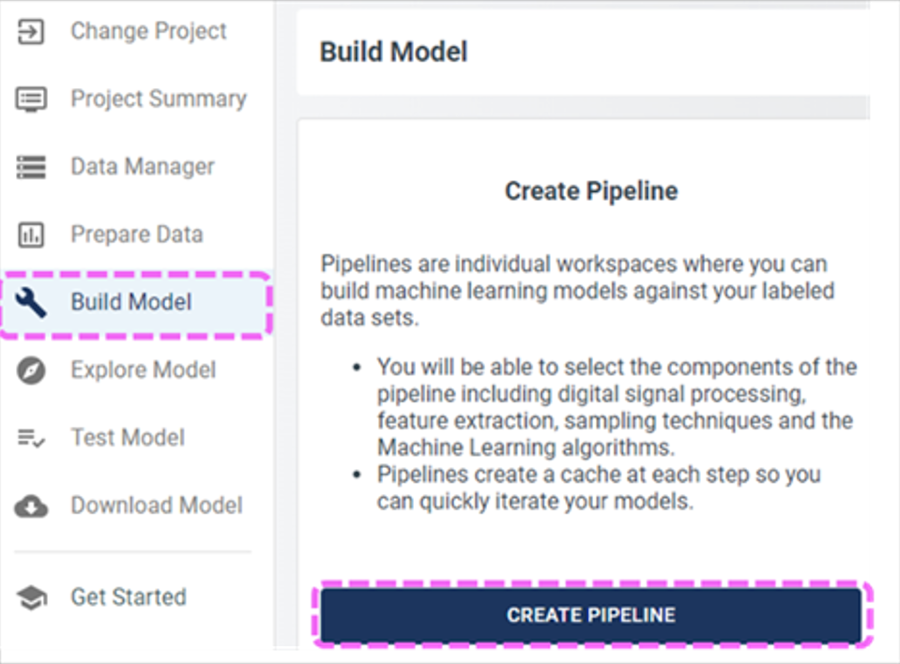
Open the Build Model section and click CREATE PIPELINE.
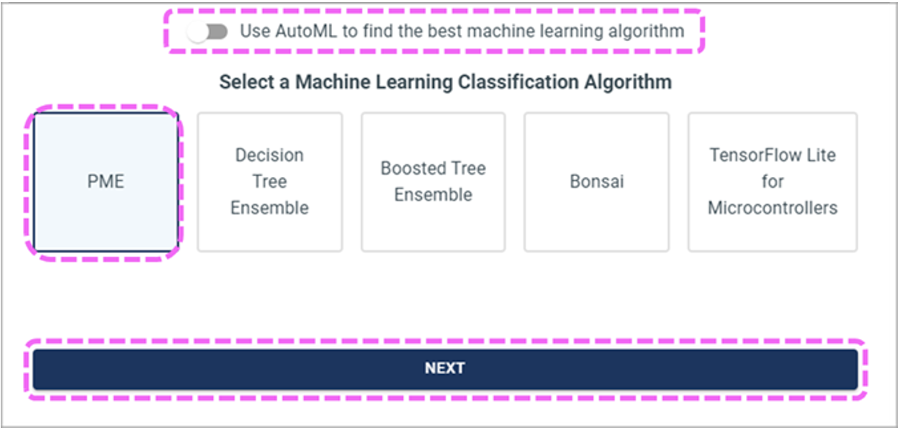
Select the classification algorithm and turn off AutoML.
Name the pipeline and select the recently created query.
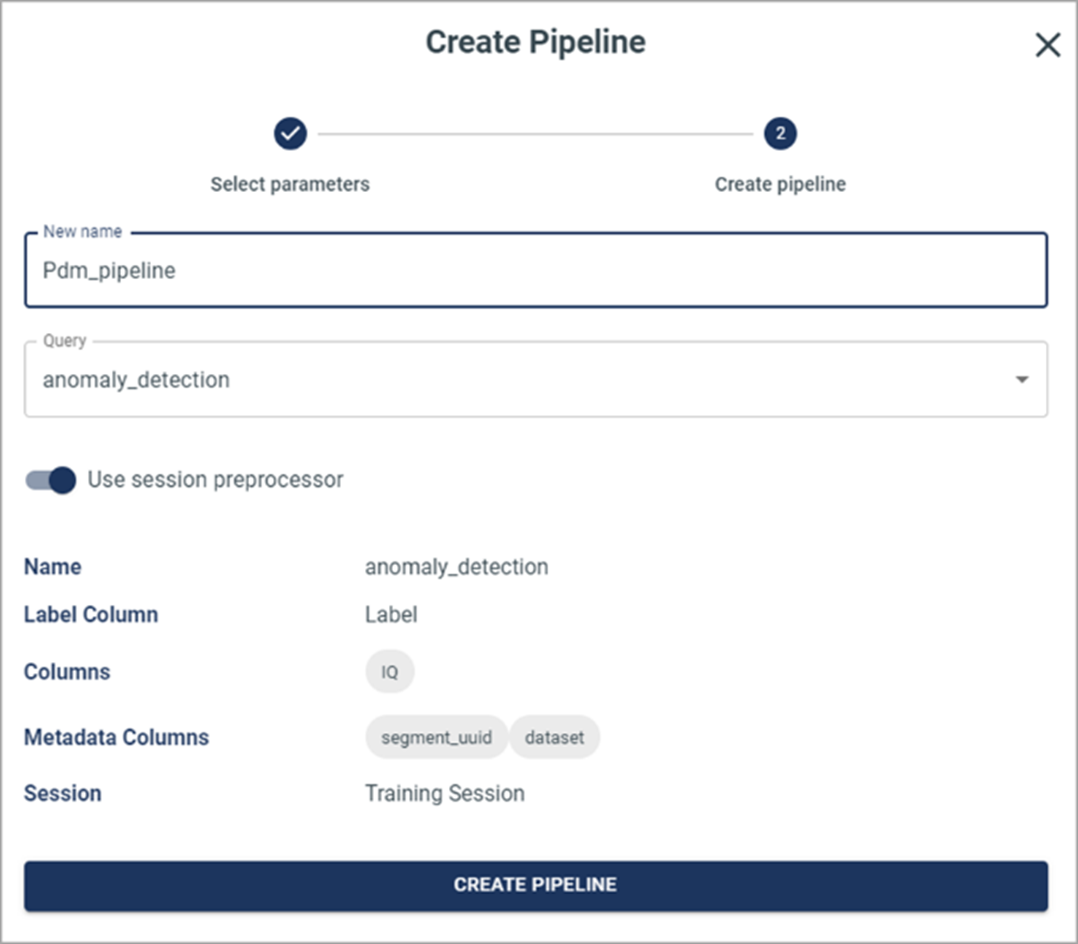
Confirm the details of the newly created pipeline.