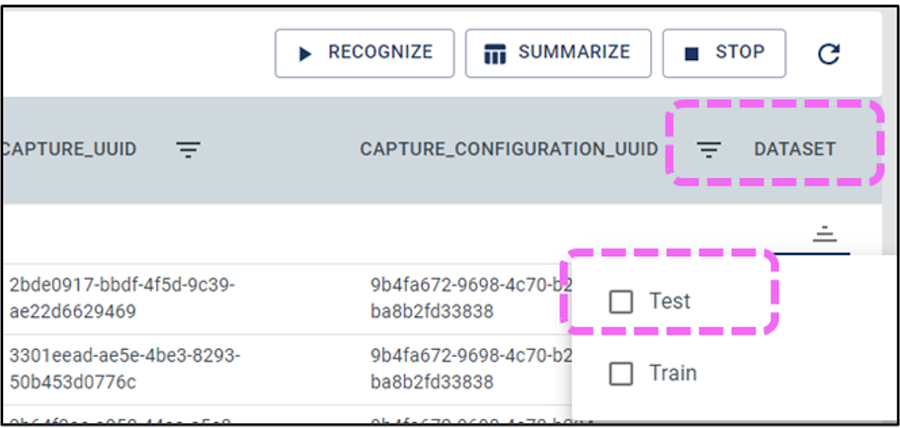
Open the Test Model section and select the
Test filter to show only the test set.Figure 7-23. Filter Dataset
Options
To include all test samples in the analysis,
select Select All from the ellipsis icon (…).
Click the Recognize button to begin
computing the accuracy metrics for the selected samples.
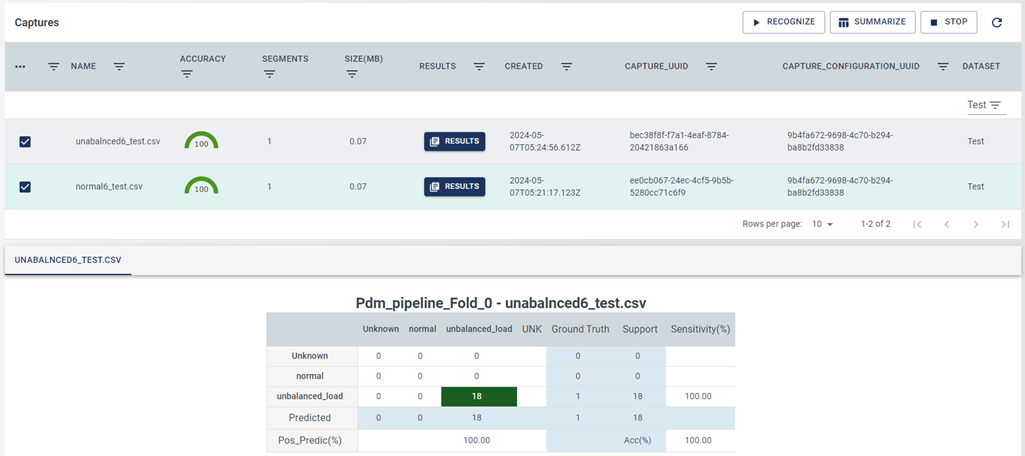
Observe the results window, and click
Results on each data file for detailed results. Figure 7-24. Results Page
Click the Summarize button to view the
summarized confusion matrix for all the test samples.
The online versions of the documents are provided as a courtesy. Verify all content and data in the device’s PDF documentation found on the device product page.