
8.3 Debug Tool Switching
Once a debug tool has been selected for a project, it will remain the project tool until it is
disconnected from the PC. Then when Start Debugging ( ) is
selected, the Select debug tool UI will open. Choose from
connected tools or the Simulator.
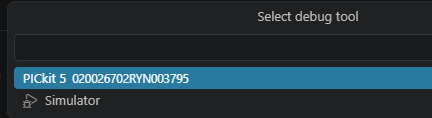
Debugging of the project code will begin. Open the <project name>.mplab.json file in the editor to see that the tool is now set as PICkit 5.
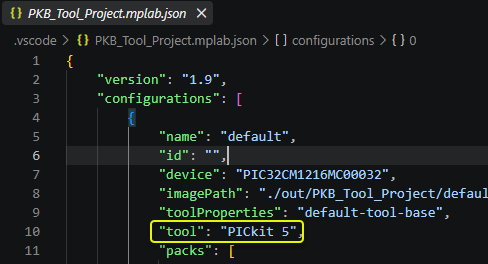
Scroll down in the editor to see that the tool properties section is still specifying the state of the Use Software Breakpoints option for this project.
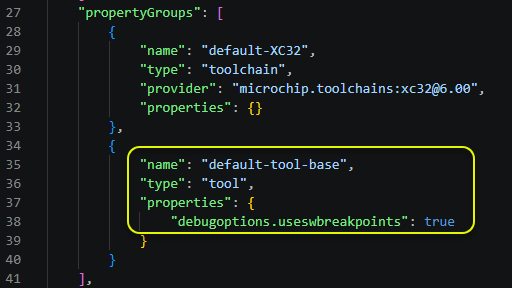
To determine if this option also applies to PICkit 5, in the command palette enter MPLAB: List tool options. Scroll down in the text file to see that Use Software Breakpoints is an option for PICkit 5.