3.3 Configure Buildroot for the Audio System
- Enter the following command to modify
the configurations:
$ make menuconfigThe Buildroot Configuration window opens.

- In the menu, click Target
packages.
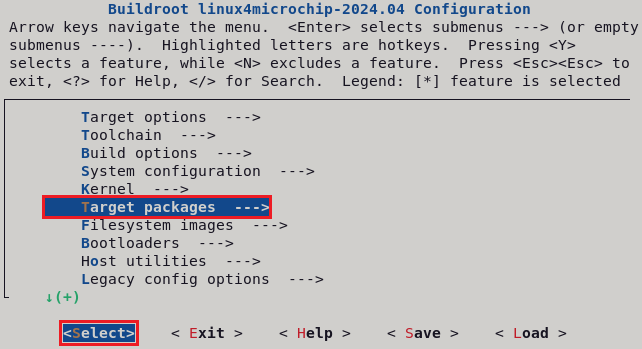
- In the Target packages window,
select Audio and video applications and press Enter.
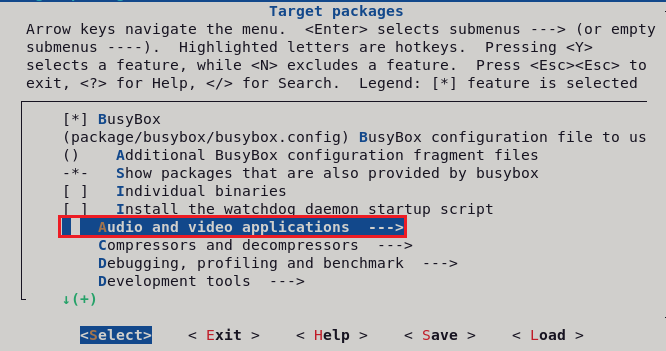
- In the Audio and video
application window, select alsa-utils and press Enter.
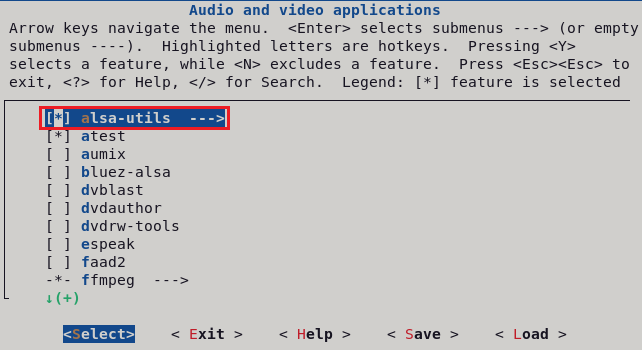
- In the alsa-utils window,
ensure the alsaconf, aconnect, alsactl, alsamixer, amixer, aplay/arecord, and
speaker-test check boxes are selected. If not, select them and press
Enter.
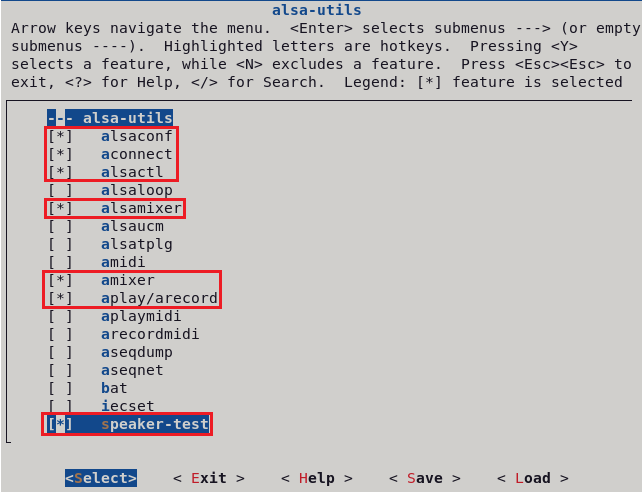
- Move to
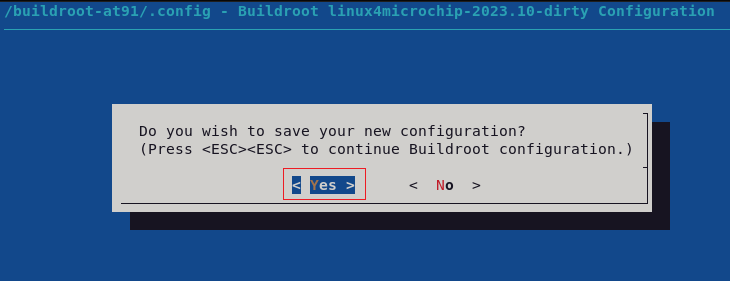
<Exit>with the arrows and press the Enter key to exit from this screen, and click Yes to save the configuration.