
7.2 Adding an espeak Tool
- Enter the following command to modify
the configurations:
$ make menuconfigThe Buildroot Configuration window opens.

- In the Target packages window, select Audio and video application and press Enter.
- In the Audio and video
application window, select espeak and choose audio backend (alsa
via portaudio) and press Enter.
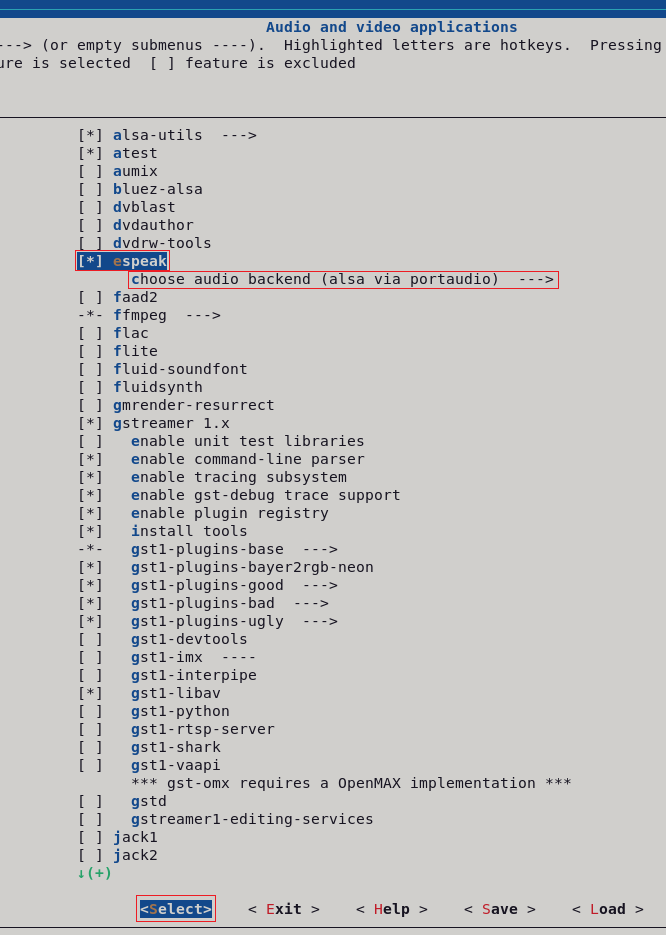

- Move to
<Exit>with the arrows and press Enter to save the configuration and exit from this screen.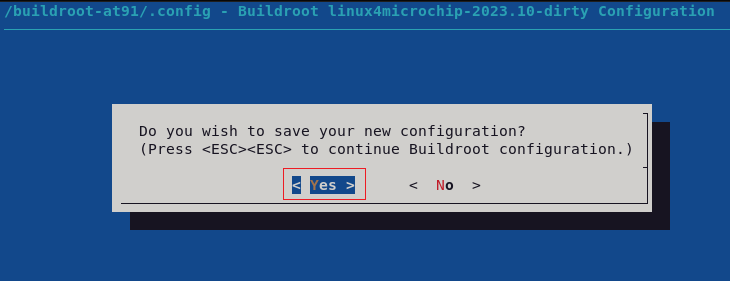
- To test the audio peripheral using
espeak, use the following command:
 $ espeak “Hello world” --stdout |
                        aplay -Dplughw:0,6