
9.2 Running a Sample Test Case in OCTT
On the CSMS or OCTT side, select the boot options:
B
Select boot options from the submenu:
A - APPLICATION_RESET
F - FIRMWARE_UPDATE
L - LOCAL_RESET
P - POWER_UP
R - REMOTE_RESET
S - SCHEDULED_RESET
U - UNKNOWN
W - WATCHDOG
P
Charger has booted
Detected charger booted and can proceed.
Use the drop-down menu to select a test case. In this example, TC_P_01_CS is selected:
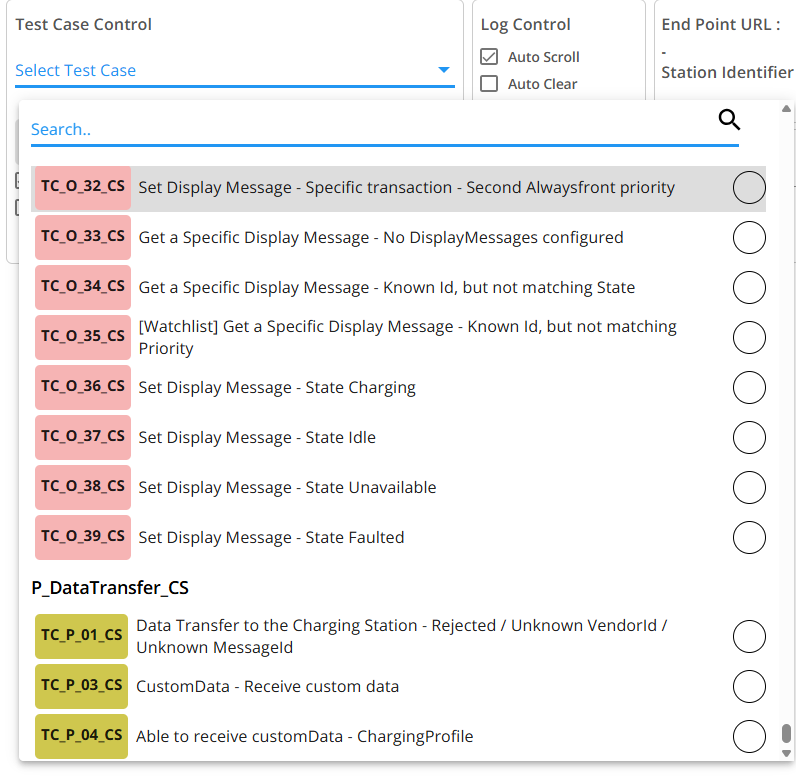
Select the test case and click the Execute button to run it.
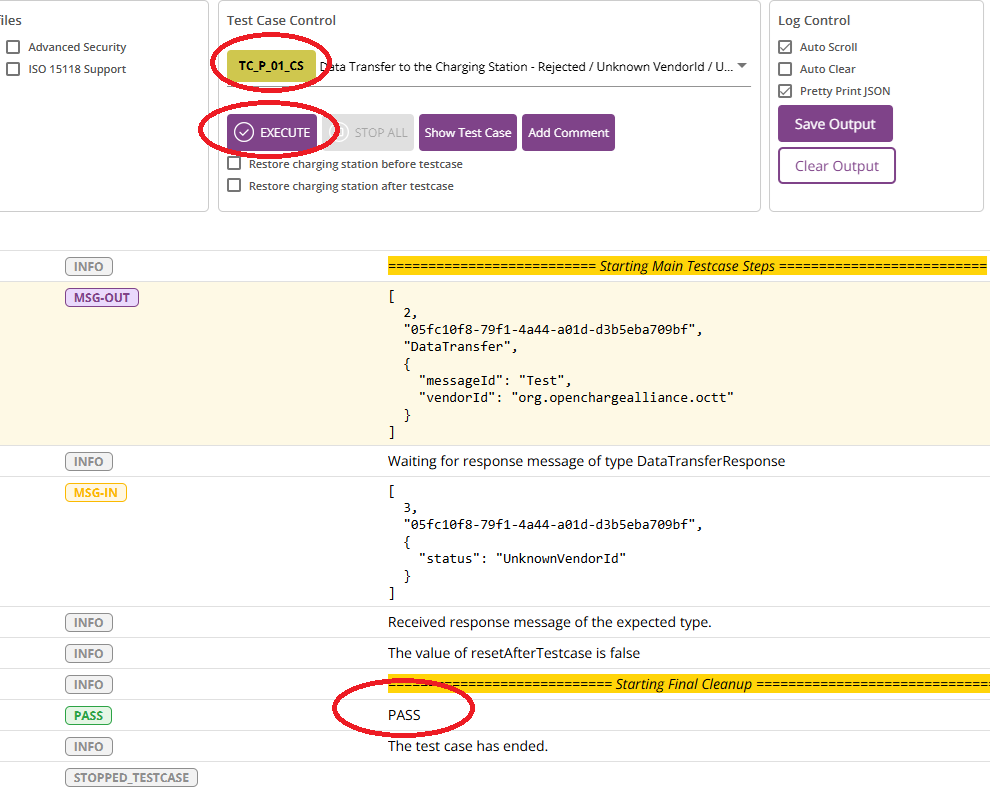
The test runs for a few seconds and displays the results.