2.2 I2C Monitor Graphical User Interface Uninstall
In order to install a new version of the I2C Monitor Graphical User Interface, any previous version or corrupted version should be removed from the computer.
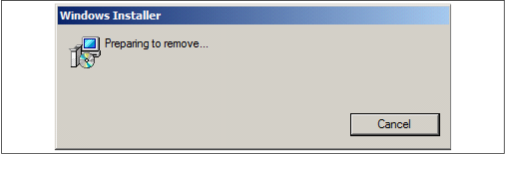
To uninstall, go to Windows Start>Control Panel>Uninstall a program>I2CMonitor. The I2C Monitor GUI will automatically close once the uninstallation process iscomplete.