
9.6 Clearing the maxCrypto Configuration
Note: To clear the
maxCrypto configuration, ensure that there is no encrypted logical drive available in your
storage space. The controller password must be removed (see Remove Controller Password) or the controller must
be unlocked with the correct password (see Unlock With Controller Password) before clearing the
maxCrypto configuration.
To clear the maxCrypto configuration, perform the following steps:
- In the Enterprise View, select a system, then select a controller on that system.
-
On the ribbon, in the Controller group, click Manage
Configuration.
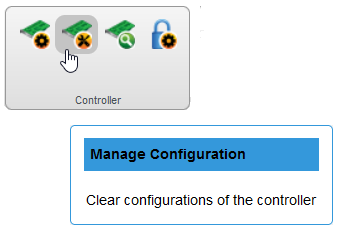
The Manage Configuration window opens.
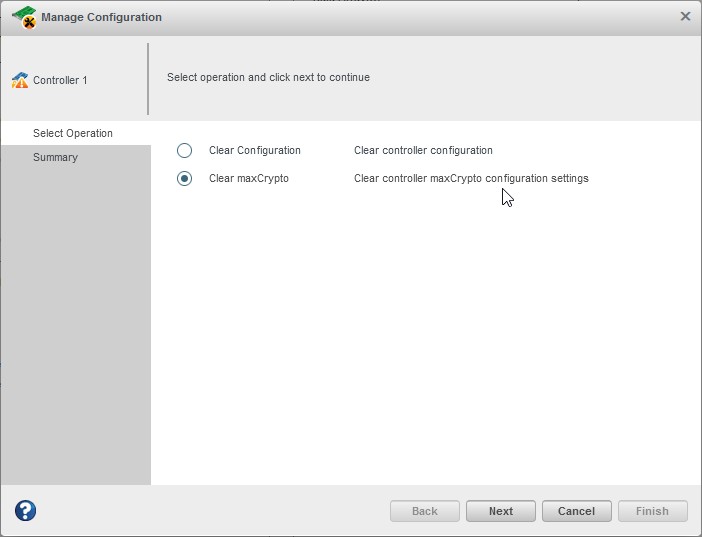
- Select Clear maxCrypto, then click Next.
- Review the Summary information, then click Finish.