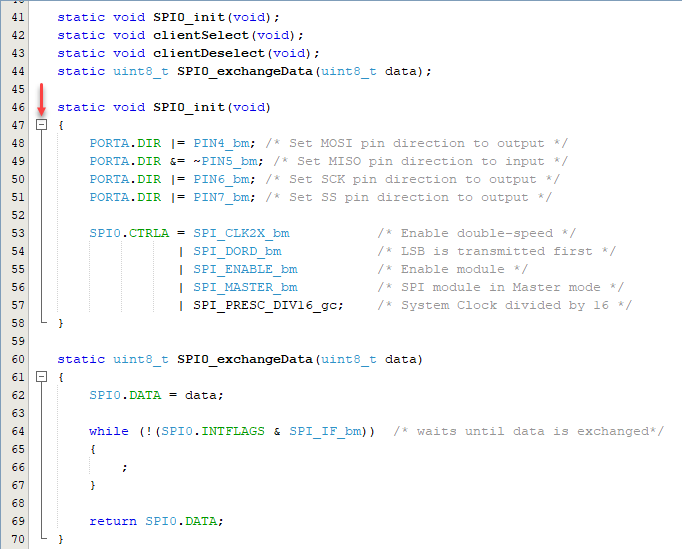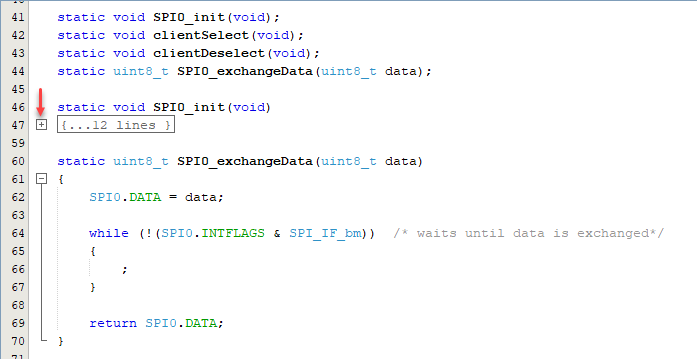
7.6.2 Expand/Collapse Code Folding
Within the editor, click the “-” icon next to a method and it folds. Click the “+” icon next to a folded method and it expands. Folded code is denoted by an ellipsis box. Hold the cursor over the ellipsis box and the IDE displays the collapsed method.