5.19 Watch Local Variable Values Change
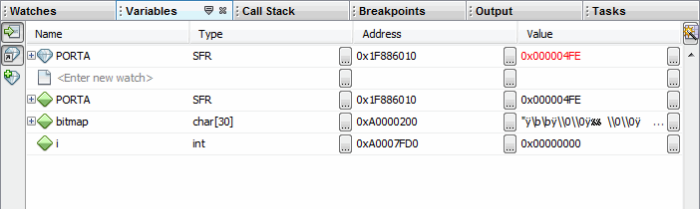
Watch the values of local variables change in the Variables window. Determining if these values are as expected during program execution will help you to debug your code.
To view the Variables window, either:
- Select to open the window.
- Click the Variables tab in the Output window if the window is already open.
Then view variable changes:
- Debug and then Pause your program.*
- Click the Variables tab to view the window and see the local variable value.
* Some tools allow runtime updates, meaning that you can see the value change as the program executes. Check your tool documentation to see if it supports this feature.