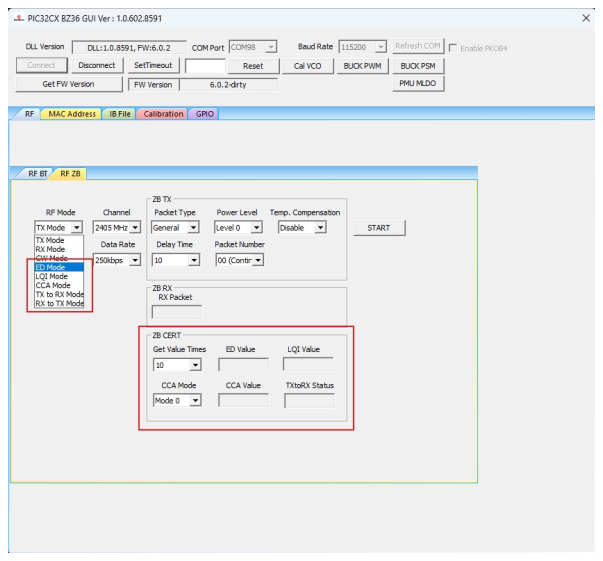
4.3.2 Zigbee RF Test Demonstration
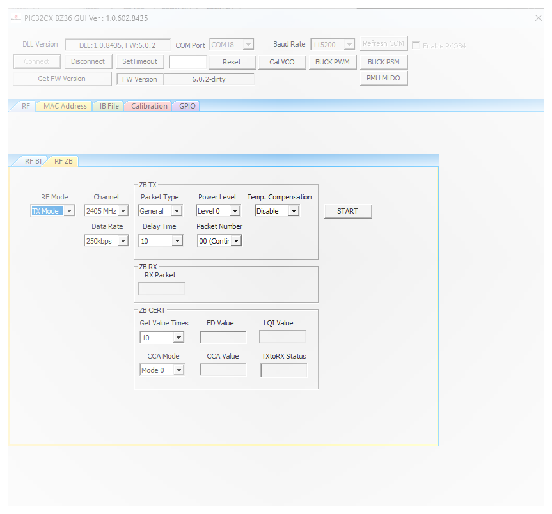
In this demonstration, the user can transmit Zigbee packets, enter RX mode and CW mode with the PIC32CX-BZ36 by using the MCHPRT3.
Perform the following steps for the demonstration of the Zigbee packet transmission:
- Set up the connection between the PIC32CX-BZ36 Curiosity Board and PC. For more details, refer to Getting Started with MCHPRT3.
- In the RF ZB tab, perform the
following steps:
- From the “RF Modes” drop-down list, select TX Mode.
- From the “Channel” drop-down list, select 2405 MHz for channel 11.
- From the “Packet Type” drop-down list, select Packet Type as General (default value) or Smallest.
- From the “Power Level” drop-down list, select Disable (the maximum power level is the default value).
- From the “Delay Time” drop-down list, select the Packet Delay Time (00-250) (the default value is 10).
- From the “Packet Number” drop-down list, select the Number of Transmitting Packet (00-250) (the default value is 00, Continuous Packet Transmission).
- From the “Temp. Compensation” drop-down list, it is to Enable or Disable, the output power compensation according to the ambient temperature.
3. Click START to transmit the Zigbee packet.
Note: The
“Data Rate” must be set at 250 Kbps, and the “Delay Time” must be
10.
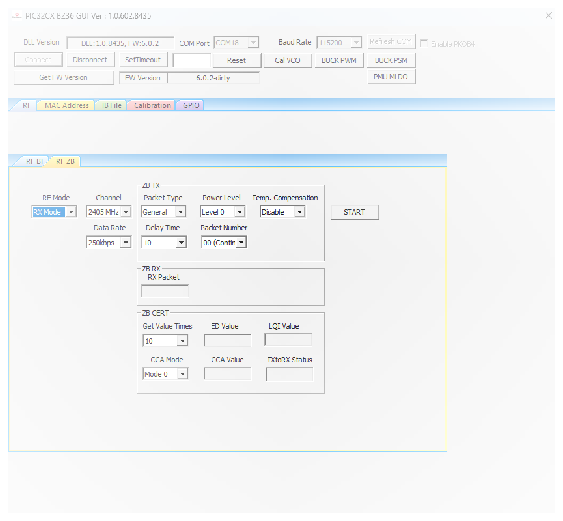
Perform the following steps for the demonstration of the Zigbee RX mode:
- Set up the connection between the PIC32CX-BZ36 Curiosity Board and PC. For more details, refer to Getting Started with MCHPRT3.
- In the RF ZB tab, perform the
following steps:
- From the “RF Modes” drop-down list, select RX Mode.
- From the “Channel” drop-down list, select 2405 MHz for channel 11.
- From the “RX Data Rate” drop-down list, select Data Rate (250K, 500K, 1M and 2M), for example, select 250K.
- Click START to receive the Zigbee packet. The total number of received packets are available under the “RX Packet” drop-down list.
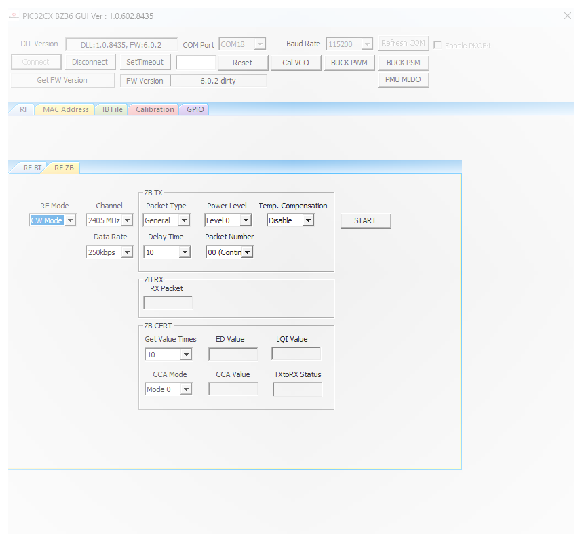
Perform the following steps for the demonstration of the Zigbee CW mode to transmit CW tone:
- Set up the connection between the PIC32CX-BZ36 Curiosity Board and PC. For more details, refer to Getting Started with MCHPRT3.
- In the RF ZB tab, perform the
following steps:
- From the “RF mode” drop-down list, select CW Mode.
- From the “Channel” drop-down list, select 2405 MHz for channel 11.
- From the “Power Level” drop-down list, select Disable (the maximum power level is the default value).
- Click START to transmit the CW tone.
ED mode, LQI mode, CCA mode, TX to RX mode and RX to TX mode, as well as the area of ZB CERT are used in Zigbee PHY certification.