
4.3.4 Operation on Information Block (IB) File
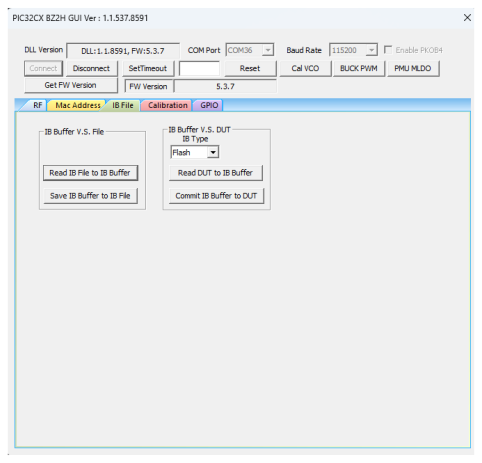
The user can perform the following in the IB File tab:
- Read the IB(1) File to IB Buffer(2)
- Save IB Buffer into the IB File
- From the “IB Type” drop-down list, select Flash (default value).
- Read the IB from DUT into the IB Buffer
- Commit the IB Buffer into DUT – the IB is stored in the Flash
Note:
- Use the Information Block (IB) to store various types of calibration and system configuration information.
- The IB Buffer is a temporary PC location for the Information Block (IB).