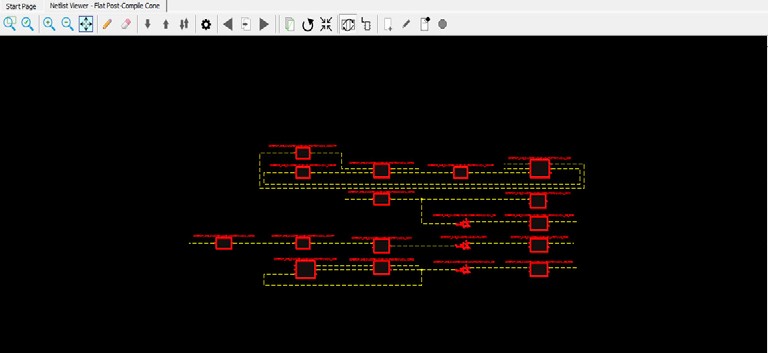
Right-click a component in the Design Tree and select Load Selection to add a component to the view. Adding a component to the view is
the same as selecting all lower level macros and adding them to the view. The added macros
are selected.
Note:To save runtime for very large
components with many low level macros, the macros are added, but cannot be selected.
Figure 4-7. Component Added
The online versions of the documents are provided as a courtesy. Verify all content and data in the device’s PDF documentation found on the device product page.