
5.4.2.3 Update the NVMe Drive Label from Physical Device Level
To update the label of a configured NVMe drive:
- Select a desired configured device based on previous label.
- On the ribbon, in the Physical Device
group, click Set Properties.
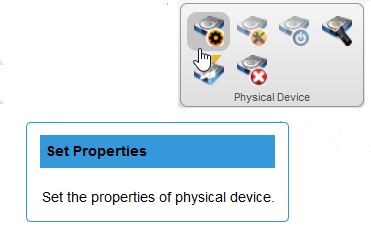
The Set Properties window opens.
-
Specify the new label in ASCII format that does not include spaces and has a maximum of eight characters.
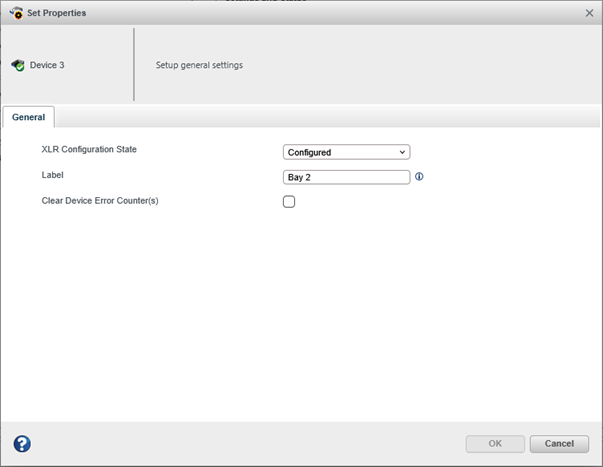
- Click OK.