
5.4.2.1 Configure a NVMe Drive from Physical Device Level
To configure the unconfigured NVMe drive:
- Select the unconfigured device based on the PCIe address under the Unconfigured Devices group node.
- On the ribbon, in the Physical
Device group, click Set Properties.
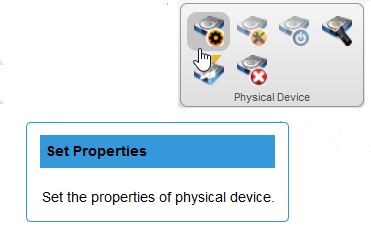
The Set Properties window opens.
- Select Configured option
from the XLR Configuration State drop-down list.
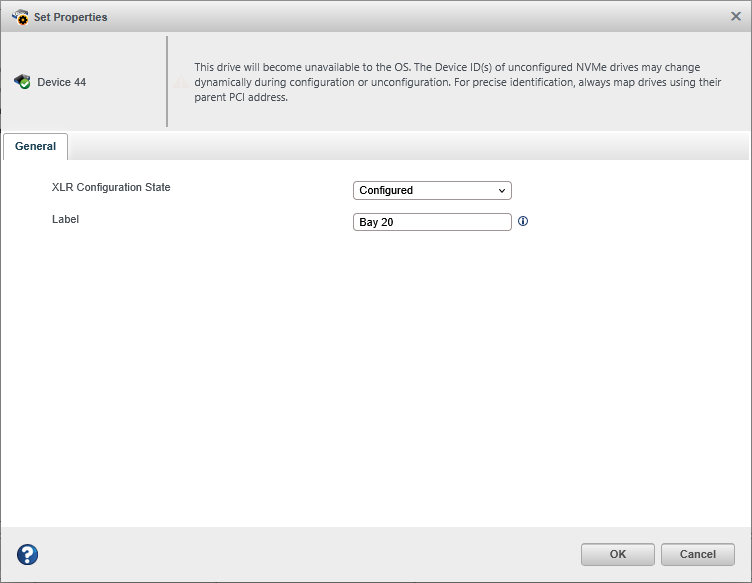
- Specify a label in ASCII format that does not include spaces and has a maximum of eight characters. This label is further used to identify each NVMe drive.
- Click OK.