2.1 Overview
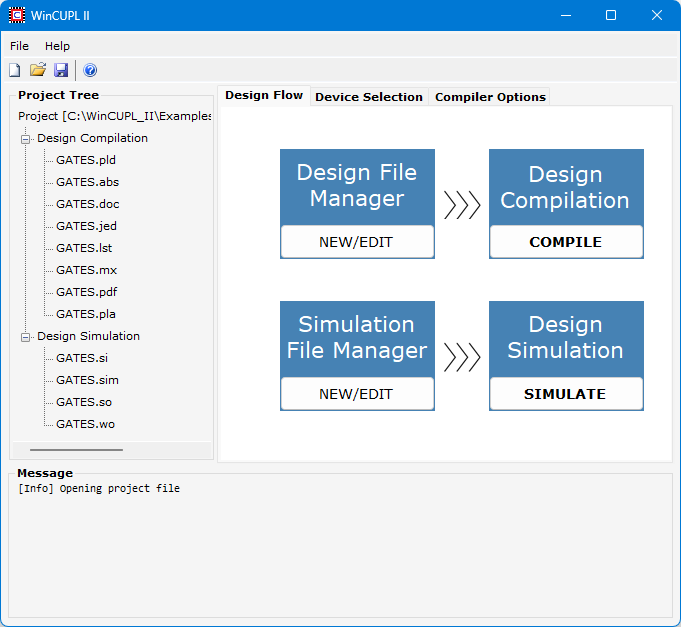
The WinCUPL II software includes the following tools:
WinCUPL II IDE - A powerful front-end user interface for all of the WinCUPL II tools, including the compiler and simulator.
Text Editor - Built-in text editor to create CUPL design and simulation source files with syntax highlighting.
CUPL Compiler - Logic descriptions written in the CUPL language are compiled and can be assigned to specific logic devices (PLDs). Upon compilation, the CUPL compiler searches its libraries and creates a file that can be downloaded to a device programmer. From this point, the PLD can be programmed.
Simulator - Designs can be functionally simulated before they are put into production. The CUPL simulator (CSIM) compares the expected values to the actual values calculated during CUPL operation.