
6.5 Test 5: Microphone Audio Live Streaming via SPDIF Transmitter
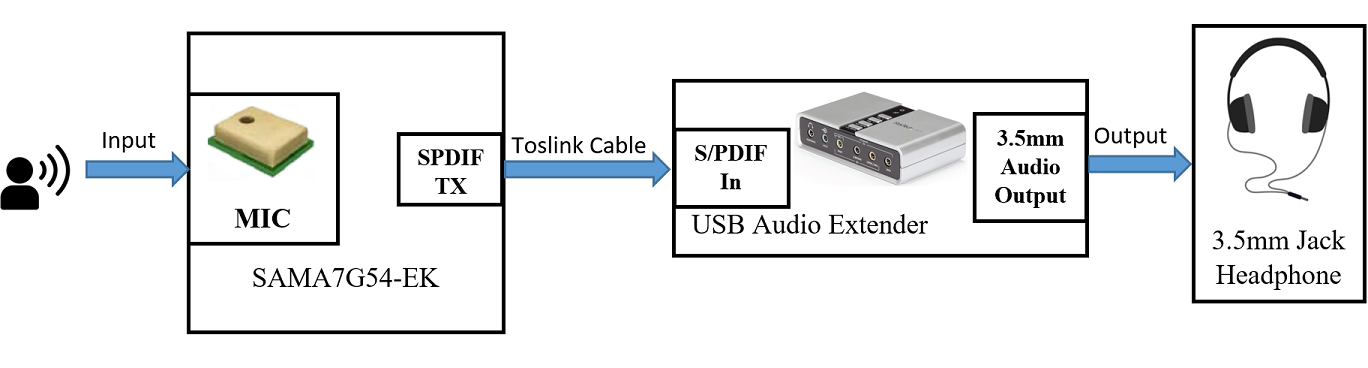
- To apply the pdmc0 device-tree overlay at u-boot level, refer to the Apply the Device Tree Overlay to Enable PDM Microphones section.
- To find the card number and device ID of the PMD microphones, SPDIF transmitter and SPDIF receiver, refer to the QUAD PMD Microphones, SPDIF Transmitter, and SPDIF Receiver sections.
- To configure the Xear audio center application, refer to SPDIF Transmitter.
- To stream capture sound from the PDM
microphones through SPDIF TX to the headphones of the USB audio extender, use the
following command:
$ arecord -Dplughw:0,4 -r 48000 -c 2 -f S16_LE | aplay
                        -Dplughw:0,6
To stop streaming, press Ctrl + C.