
2.6.1 MCC Content Manager
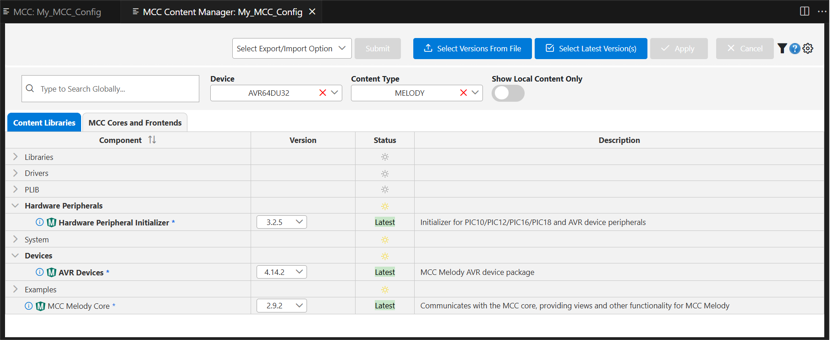
The MCC Content Manager allows users to download versions of supported drivers and libraries for a selected device. The Content Manager for MCC Melody organizes its content into categories such as Libraries, Drivers, System, PLIBs, and Examples.
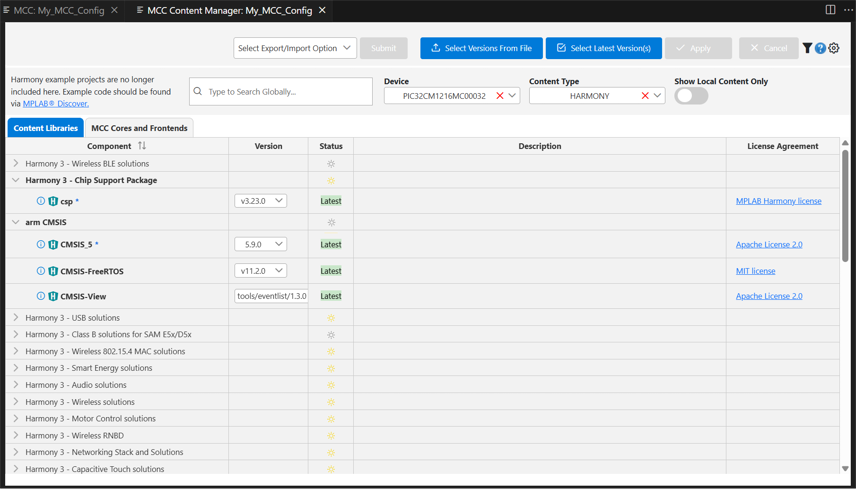
- The Content Manager for MCC Harmony displays most of its content upfront and categorizes similar items by solutions.
Note:
- MPLAB® X IDE users can open the Content Manager before launching MCC by clicking the CM icon on the IDE toolbar.
- For VS Code users, the MCC Content Manager can only be accessed from within the MCC Resources Panel (refer to the next section).
- In MPLAB® X IDE, the MCC Content Manager cannot be opened while MCC is running, as it may result in unexpected or corrupted content.