
1.3.1 Programming SAM R21 Xplained Pro board
To program SAM R21 Xplained Pro board with the
ZLLDemo_LEDDriver_ATSAMR21_DimmableLight_IAR_48MHz.hex image
follow the below steps. The appropriate .hex file is available in the attachment
associated with this document.
- Connect a micro USB cable to the
EDBG USB receptacle of SAM R21 Xplained Pro board as shown in the following
figure.
Figure 1-3. Connection between SAM R21 Xplained Pro to Micro USB cable 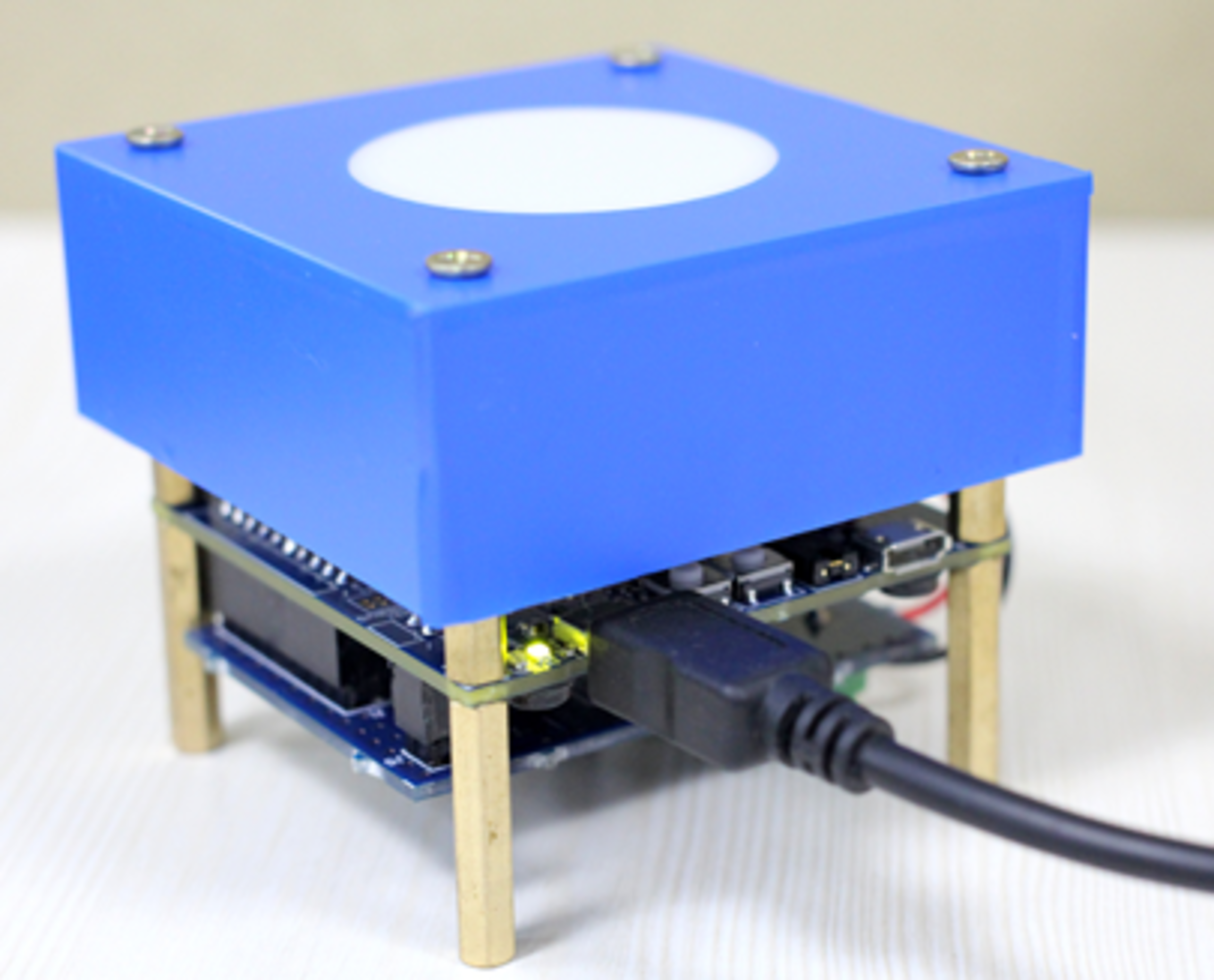
- Open Atmel Studio.
- Open Tools->Device Programming.
- Select EDBG from the Tool dropdown menu.
- Select ATSAMR21G18A from the Device dropdown menu.
- Select the Interface as SWD.
- Click
Apply. If you are asked to do a firmware upgrade of
the EDBG, click Yes and wait untill EDBG
Firmware upgrade successful message is displayed. The following
figure shows the settings to be configured in the Device
Programming window.
Figure 1-4. Settings – Device Programming – SAM R21 
- Read the Device Signature and Target Voltage from the Device Programming window.
- In the Device Programming window move to Memories tab and choose the location of ZLLDemo_LEDDriver_ATSAMR21_DimmableLight_IAR_48MHz.hex file, in the Flash section.
- Click the Program button.
- After successful programming of the SAM R21 Xplained Pro board, based on the log messages at the bottom of the Device Programming window, disconnect the Micro USB cable from the SAM R21 Xplained Pro board.
Note: After successful programming of the
flash, ignore any message regarding Verification failure.