9.10.1 Set Controller Password
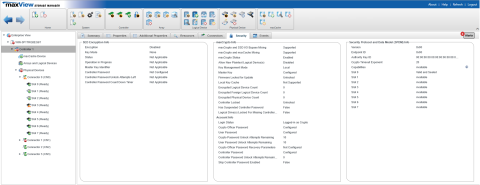
This operation allows the user to configure a controller password when currently there is no password set on the controller. A maxCrypto Crypto Officer (admin) session is required to set the controller password. After the operation, the Controller Password property changes from Not Configured to Configured in the Security tab.
To set the controller password:
- In the Enterprise View, select a system, then select a controller on that system.
- On the ribbon, in the Controller group, click Security Settings.
- In the Set maxCrypto
Configuration window, click the Additional Settings tab.
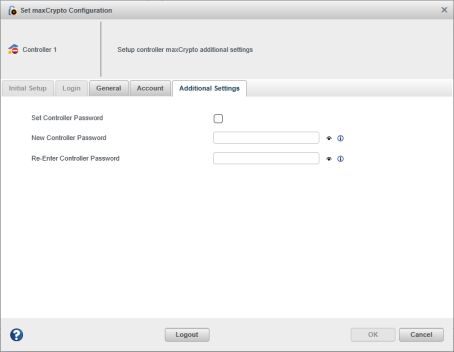
- Select the Set Controller Password check box.
- In the New Controller Password field, enter the new controller password (8–32 ASCII characters).
- In the Re-Enter Controller Password field, re-enter the same password.
- Click OK.
Before the operation, the Security tab displays the Controller Password property as Not Configured.
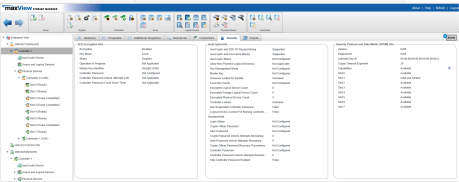
After the operation is successful, the Security tab displays the Controller Password property as Configured.