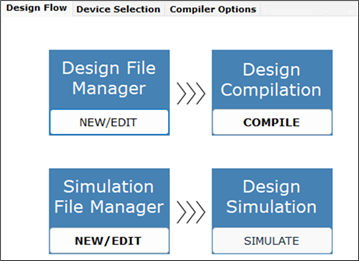
3.1.3 Select Options
Before compiling a design, users can set the compiler options and change the target device selection or device option settings in WinCUPL II.
In WinCUPL II, select the Compiler Options tab and then select the General tab. Ensure that all general compiler options are unchecked.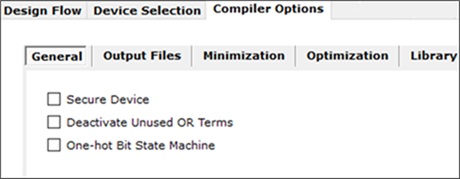
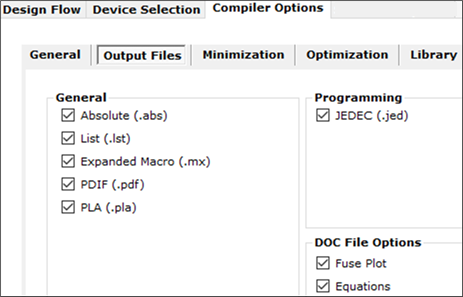
Select the Output Files tab and check all options under the General, Programming, and DOC File Options sections.
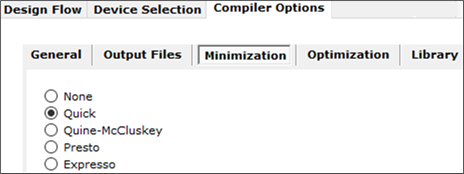
Select the Minimization tab and choose Quick.
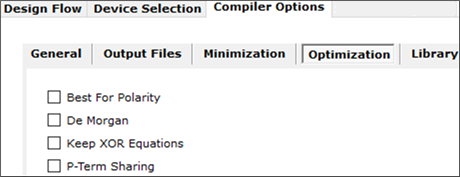
Select the Optimization tab and uncheck all options.
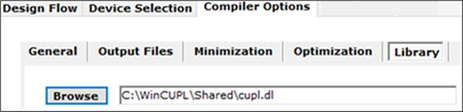
Select the Library tab and ensure that the correct library file (cupl.dl) is specified. The library file is located in the Shared folder under the WinCUPL II installation directory.
In WinCUPL II, select the Design Flow tab to return to the design flow window.