2.1.8 MCC Code Generation
When all the required Harmony components are added to the project and configured, it is time to generate the source files.
- Click Generate button in Project Resources window on left pane.
Figure 2-25. Generate Code 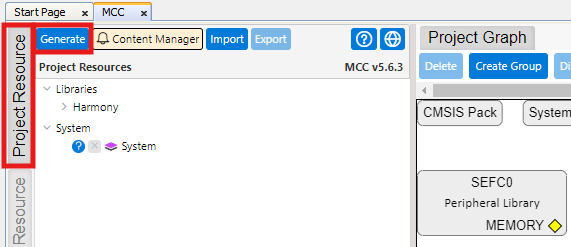
- Verify the completion of code generation from Output>MPLAB® Code Configurator
window.
Figure 2-26. Generation Complete 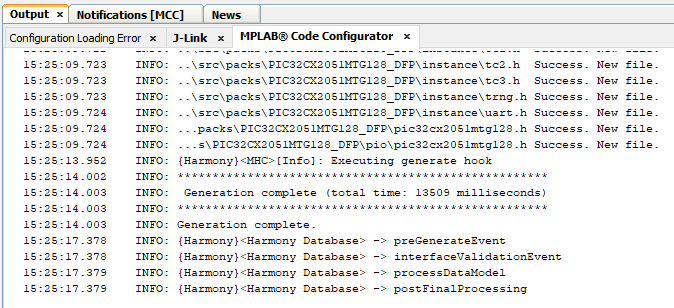
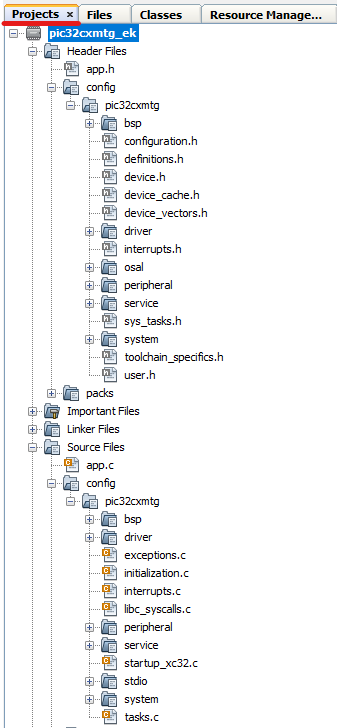
- Generated files can be seen in Projects window on left pane.
Figure 2-27. Generated Files