
6.2.1.1 GPIO based DFU Mode
Note: Ensure that Python v3.12.7 is installed, and that required
libraries such as pyserial and numpy are pre-installed.
On the PIC32WM-BW1 Curiosity Board:
- Press and hold SW2 Button to trigger the DFU mode.
- Short press Reset button (SW1) to restart firmware. The firmware enters the DFU mode.
- Opening Tera Term on PC, and
configure it as:
- Baud rate: 115200
- Data bits : 8
- Parity: None
- Stop bits: 1
- Look for the message,
DFU
                        Now!
indicating DFU mode is active.Figure 6-30. Enter into DFU Mode 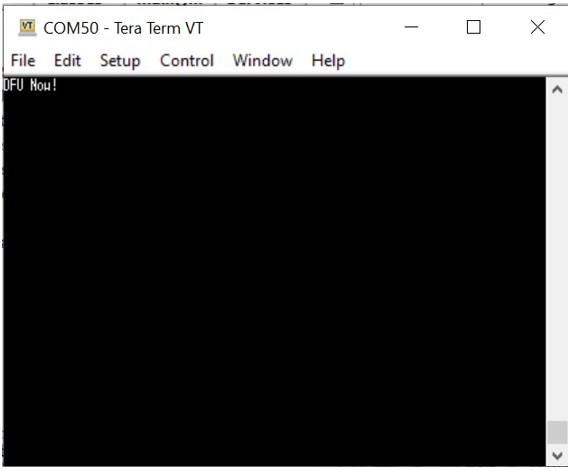
- Close Tera Term.
- Open Windows® command prompt.
- Navigate to the folder containing the python script and binary image.
- For GPIO Trigger mode DFU,
execute the following python
script:
python flash_load_2ndSlot.py -i new_upgradable.signed.binFigure 6-31. Run Python Script to Do DFU (GPIO Trigger Mode)  Note: To run the above Python script, the user may need to copy the Python script files and the binary image file into the same folder. However, the Python script also supports files with absolute or relative path names.