3.1 Creating an MPLAB Harmony Project
We will configure the SAMA7D65 to work with a custom MIPI display. This involves setting up a project in MPLAB Harmony and configuring the LCD Controller (XLCDC) peripheral for MIPI DSI mode.
- Open MPLAB X IDE. Ensure you are using version 6.25 or higher for SAMA7D65 support.
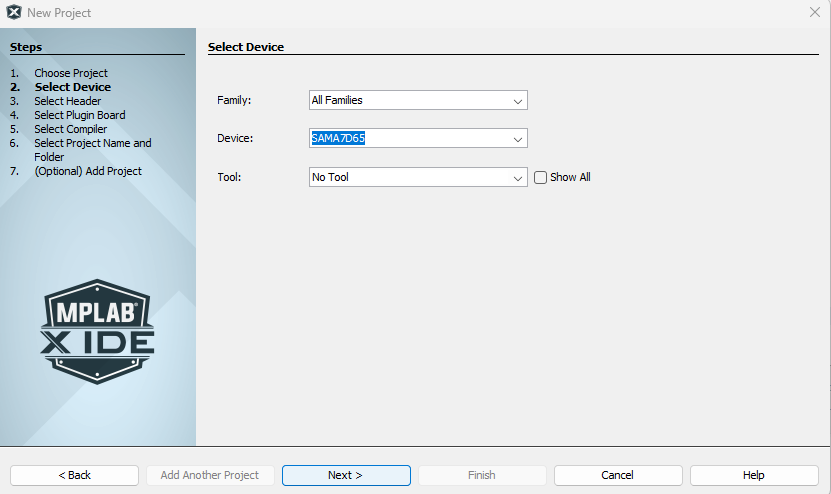
- Select New Project and choose the SAMA7D65
device: