
9.3 Password Lock/Unlock Dialog
 |
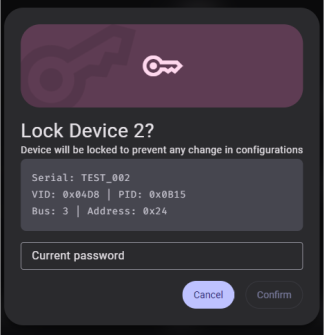 |
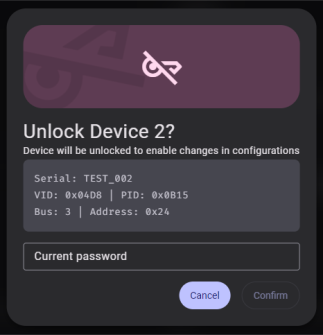
The Password Lock/Unlock dialog is used to lock or unlock a password-protected device, or to disable password protection.
- The dialog displays the device name, serial number, VID/PID, bus, and address for confirmation.
- Enter the current password in the input field.
- Click Confirm to proceed.
Requirements:
- The password must be exactly eight characters long
- Only printable ASCII characters are allowed (no spaces)
- The Confirm button is disabled until a valid password is entered