
9.2 Enable Password Dialog
The Enable Password dialog is used to set a new password for device protection.
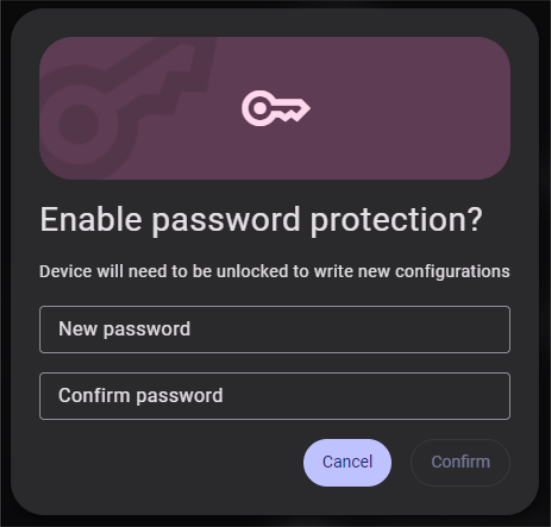
- Enter the desired password in the New password field.
- Re-enter the same password in the Confirm password field.
- Click Confirm to apply the password.
Requirements:
- The password must be exactly eight characters long
- Only printable ASCII characters are allowed (no spaces)
- Both fields must match. If they do not, the error message “Passwords do not match.” is shown.
- The Confirm button is disabled until all requirements are met