
9.4 Permanent Lock Dialog
The Permanent Lock dialog is used to permanently lock a device, preventing any future configuration changes.
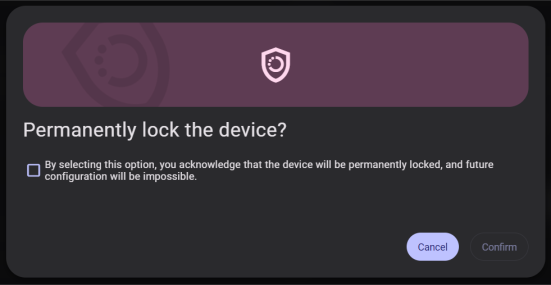
Warning:
This action is permanent and irreversible. Once a device is permanently locked, its configuration cannot be modified.
- Read the warning information carefully.
- Check the acknowledgment checkbox to confirm that you have read and understood the warning.
- Press and hold the Confirm button for five seconds. While holding, a progress bar and countdown (“Press and hold the Confirm button for X seconds.”) are displayed.
- Releasing the button earlier than five seconds cancels the action.
- Click Cancel at any time to close the dialog without making changes.