
2.4.2 Simulation Results
(Ask a Question)When the simulation is initiated, ModelSim compiles all the design source files, runs the simulation, and launches the waveform viewer to show the simulation signals. The simulation results of the 10GBASE-R Ethernet SyncE loopback design are as follows:
- At 0 ns, the testbench drives the 156.25 MHz system clock to the DUT.
- The MAC is released out of the reset. Signal O_CORE_RX_SRESET and O_CORE_RX_SRESET are
at 0, as shown in the following figure.
Figure 2-5. O_CORE_RX_SRESET and O_CORE_RX_SRESET at 0 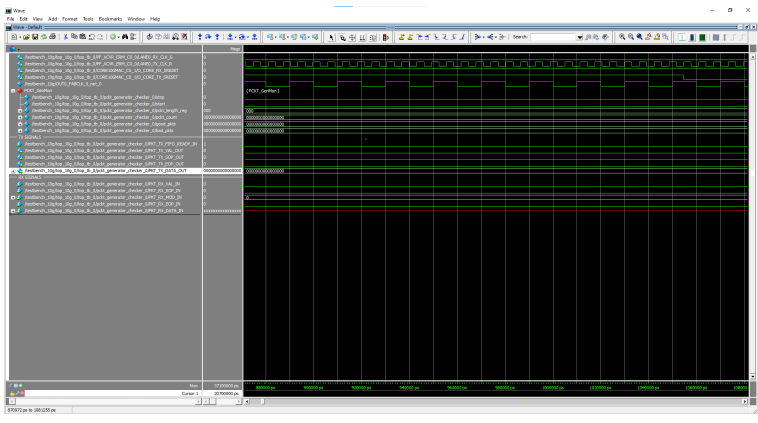
- The packet generator starts to send the packet. The start signal triggers the packet
generation. The size of the packet is set to 0x32 (80 bytes). The sent packet can be
viewed on the signals under the TX SIGNALS divider in the wave window.
Figure 2-6. Ethernet Packet Sent 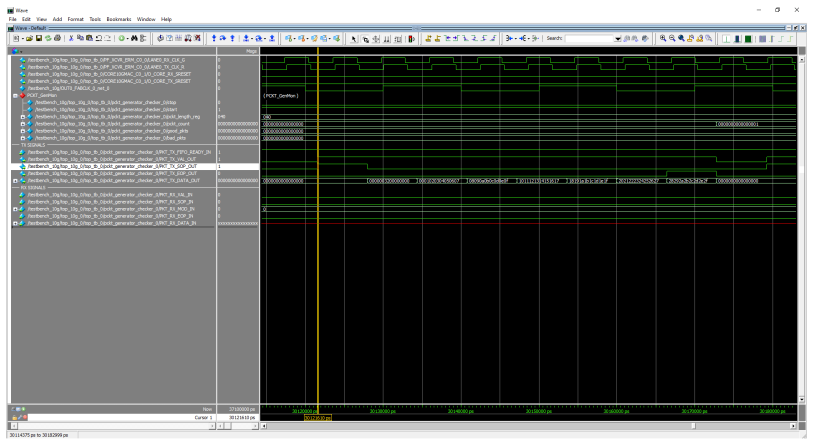
- The packet checker receives the sent packet. The signals can be viewed under the RX SIGNALS divider in the wave window. The packet sent matches with the packet received.
- The packet checker compares the incoming packet with the sent packet and increments the
good packets (good_pckts) count by 1, as shown in the following figure.
Figure 2-7. Good Packets Count Incremented by 1 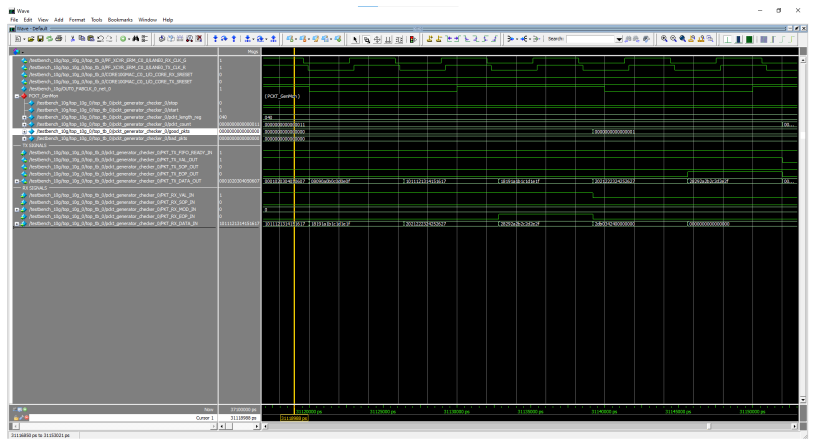
The sent packet is looped back, and no errors are observed in the received packet, showing successful completion of 10GBASE-R Ethernet SyncE loopback.