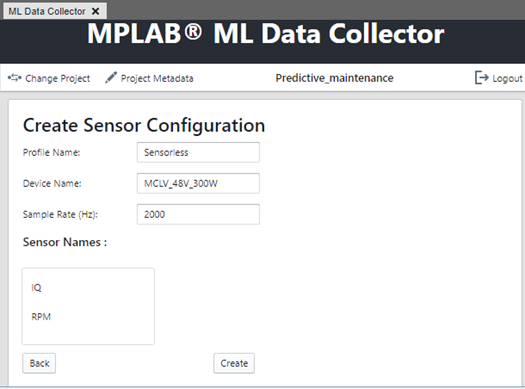
5.1.3.3 Create a Sensor Configuration
Once a ML Data Collector project is created, a sensor configuration can be created and configured.
- Click Upload Data.
Figure 5-14. MPLAB® ML Data Collector Ready to Capture Data 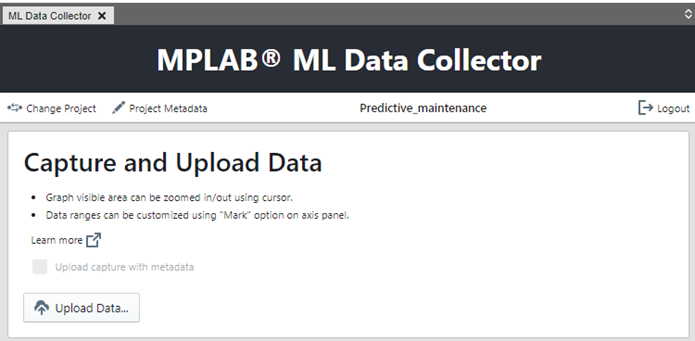
- Complete the sensor configuration fields and then click Create. The Profile Name and Device Name can be chosen arbitrarily. Ensure that the sample rate is set to 2000 Hz.