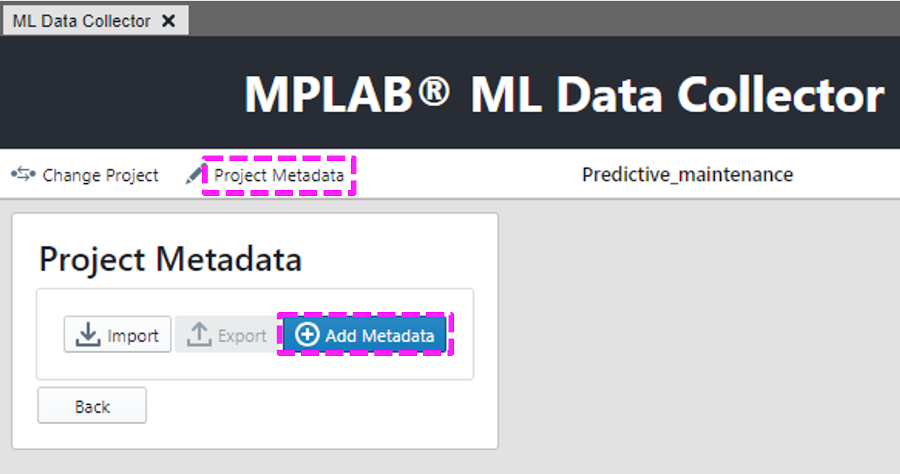
Click Project Metadata and Add
Metadata. Figure 5-16. Metadata
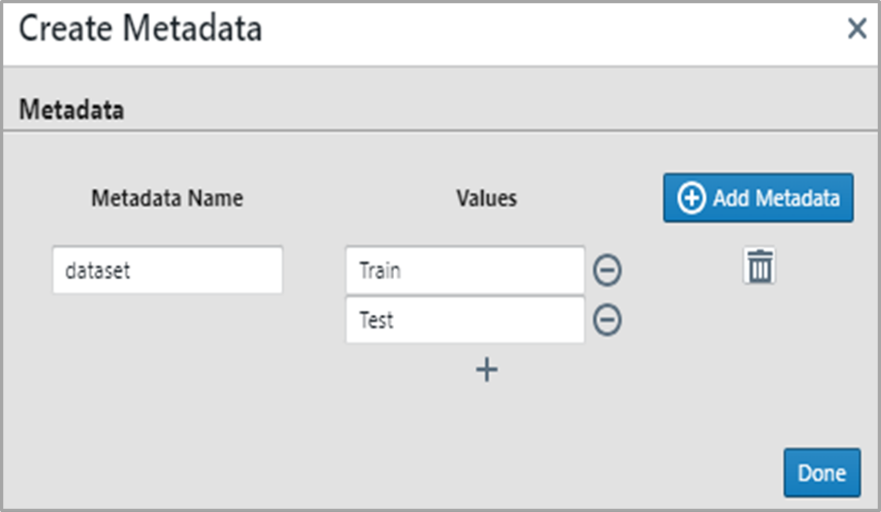
CollectionOne metadata field with two values is populated. This will help split the data
for test and training later.Figure 5-17. Recommended
Metadata
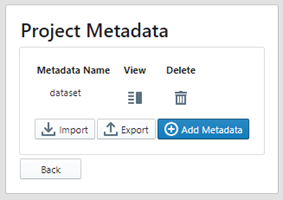
Click Back after verifying the metadata
has been added correctly.Figure 5-18. Metadata Properly
Added
The online versions of the documents are provided as a courtesy. Verify all content and data in the device’s PDF documentation found on the device product page.