
4.8.2.3.1 Read Variables
The Read Variables widget is a button that reads values from variables defined on a protocol session. It can only be used with a protocol session that supports loading an ELF file, which must be loaded before configuring the widget.
Selecting Variables
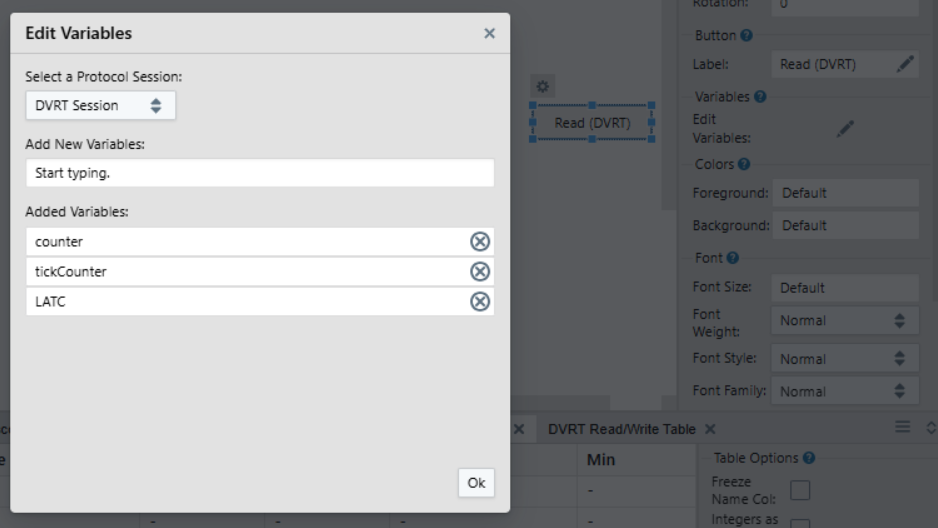
Reading Variables
For input widgets added to the dashboard, variables selected as described above will appear in the sink selection list. Once other widgets are connected, pressing the button will read the symbols from the target and send their values to the connected widgets.
Configuration
The Read Variables widget shares some of the configuration fields with the Button widget. See the tables in Button for details on the fields. In addition, it has an Edit Variables field described in more detail above. Hover over parameters in visualizer for more information.