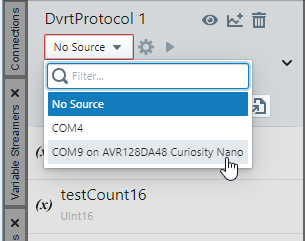
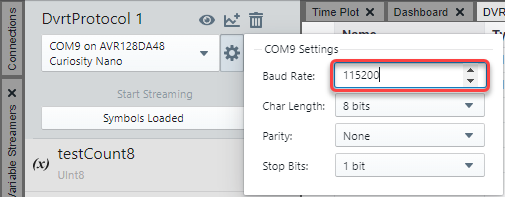
Set up the connection by clicking the gear icon. For DVRT, use the values shown in the
figure below.
Note: For all implementations of DVRT, use the Baud
Rate of 115200.
Figure 7-11. Connection Settings for
DVRT
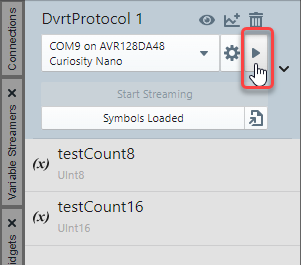
Click the Play button to start streaming. Once streaming has started, a toggle button
will be made active where you can Stop Streaming/Start Streaming.Figure 7-12. Play to Start
Streaming
See the variable values change during runtime in the table.Figure 7-13. Streaming Int Values