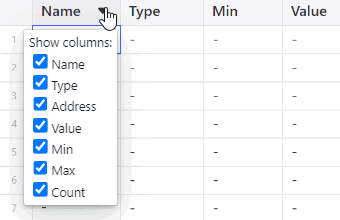
Columns of the streamer table are individually hide-able. Hovering over any header cell
will show a clickable "caret down" symbol. Clicking this produces a popover menu with
toggle buttons for showing each column, in the default column order. All columns are
shown by default, and deselecting one removes it from the table.
Figure 7-14. Hiding Table Columns
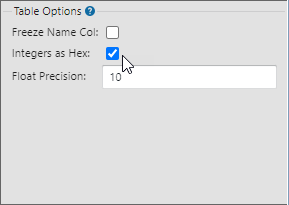
If you want change value format, in this case view Int values in hex, you can use the
controls on the right to select available options.Figure 7-15. Format HexFigure 7-16. Streaming Int Values in
Hex