5.8 MPLAB for VS Code Project Setup
To set up an MPLAB for VS Code project for the first time, use the MPLAB Welcome walkthrough (in the command palette, type MPLAB: Welcome). In this walkthrough, you will be able to select a language toolsuite that uses the XC-DSC language tools.
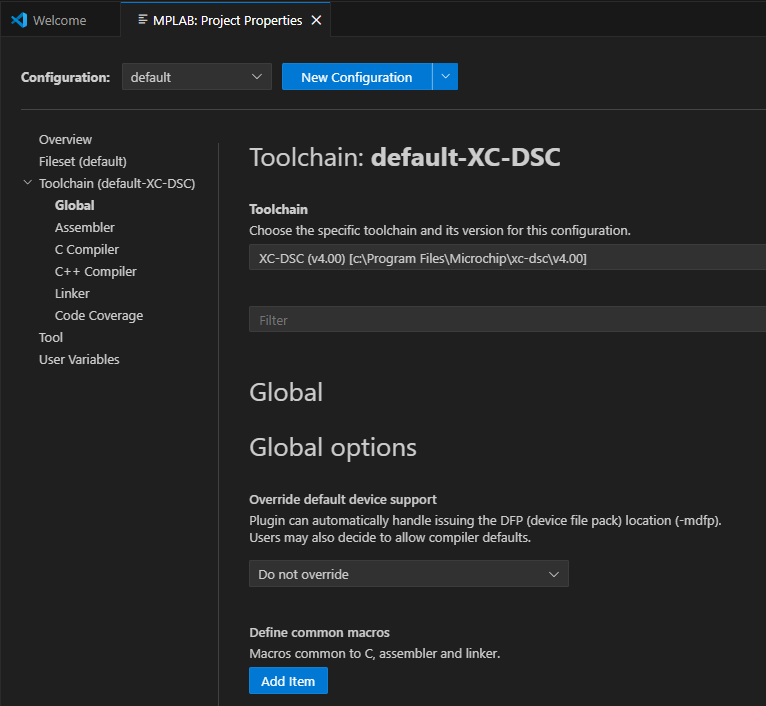
As part of the set up, you can edit project properties of (or configure) the toolchain tools in MPLAB for VS Code (see figure below).