4.3.3.4 Enabling Auto Update Option in User Design
(Ask a Question)To enable auto update, follow these steps:
- Click Configure Design Initialization Data and Memories and select the SPI Flash tab.
- Select the Enable Auto Update checkbox.
Figure 4-13. Auto Update Setting 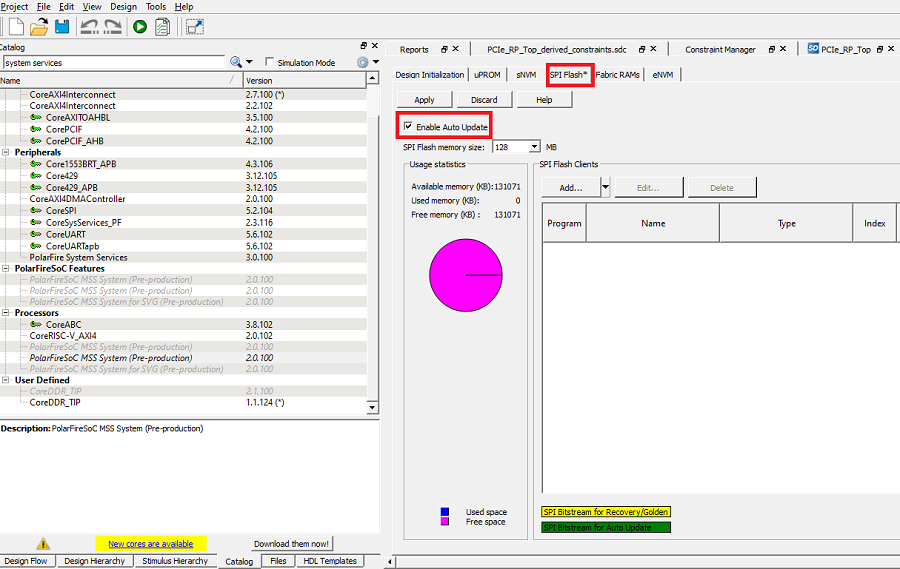
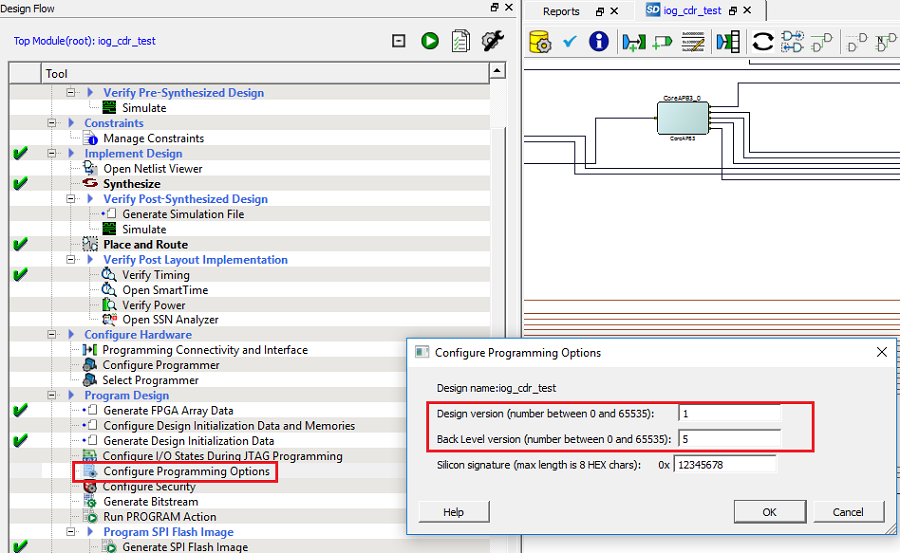
- Click Configure Programming Options, and
specify the design version and back level version, as shown in the following
figure.
Figure 4-14. Design Version