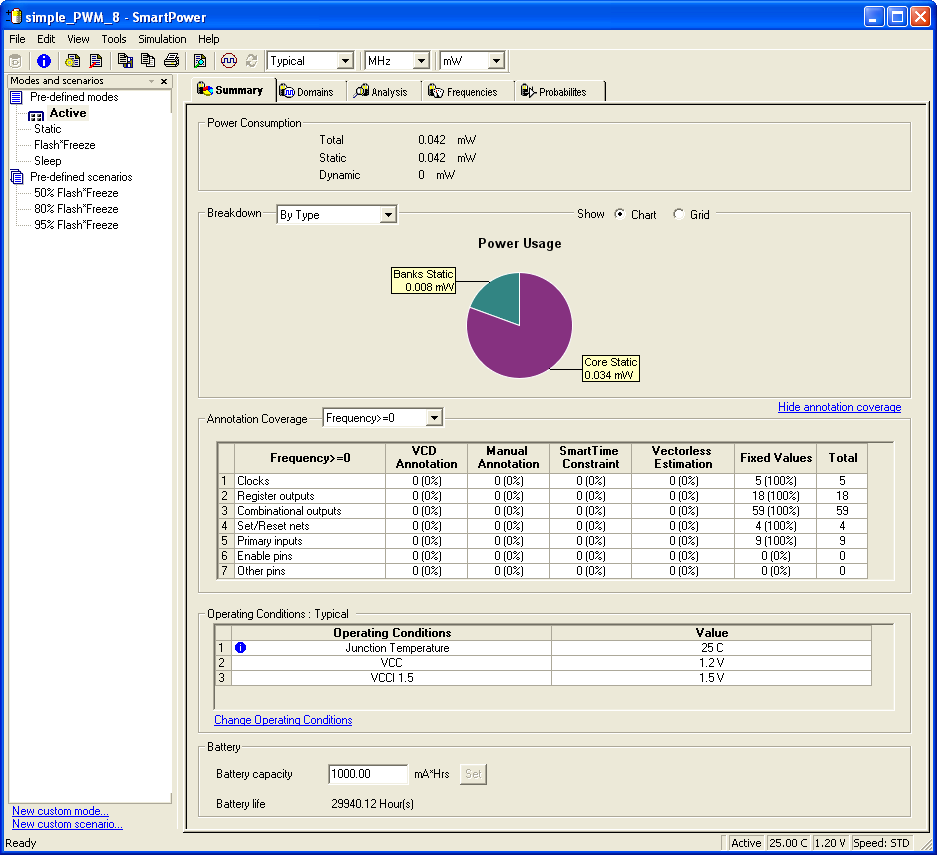
20.1 Starting SmartPower
When you launch SmartPower, you must first set your target clock and data frequencies before you evaluate your power consumption.
You cannot launch SmartPower if your design is not in a post-layout state in Designer. If you invoke SmartPower before compiling your netlist, Designer guides you through the compile and layout process.
There are three ways to invoke the SmartPower analysis tool:
- Select SmartPower from the Tools menu.
- Click the SmartPower icon in the Designer toolbar.
- Click the SmartPower button in Designer design flow.