4.6 Setting Up Buttons
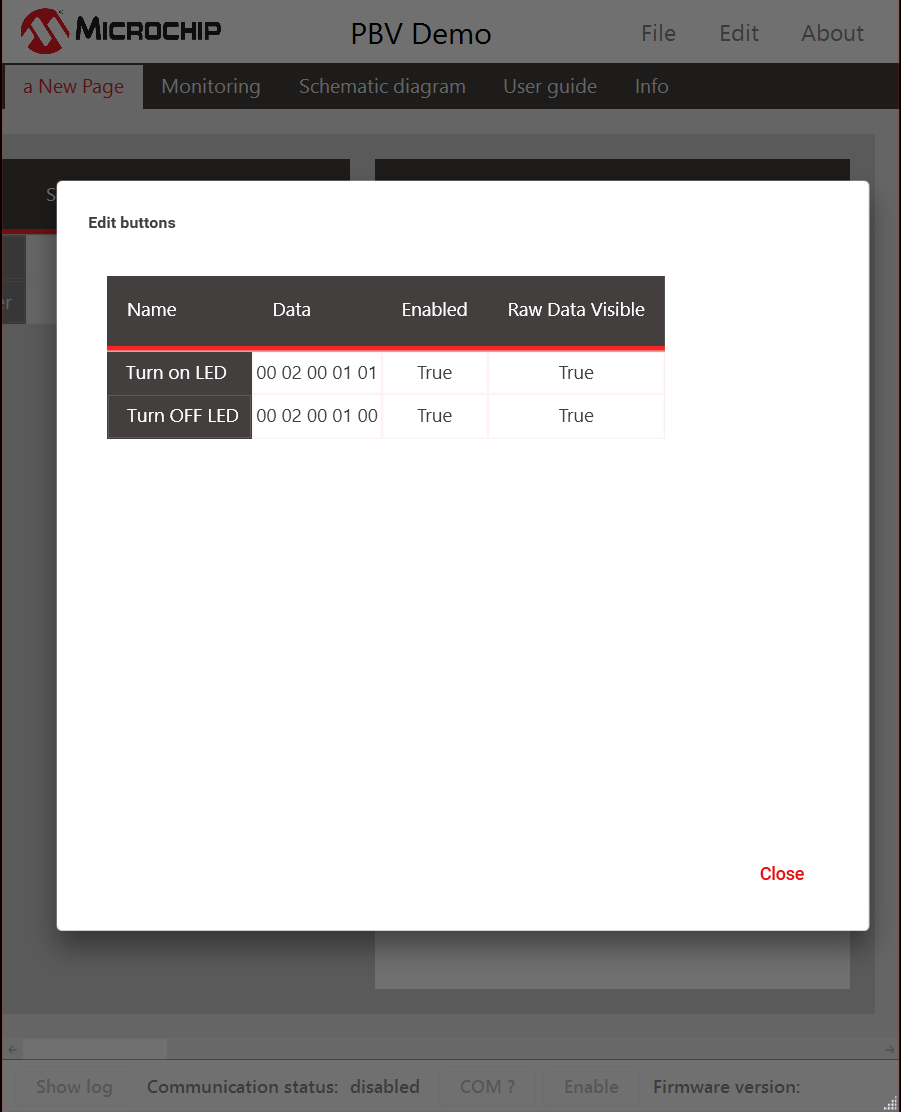
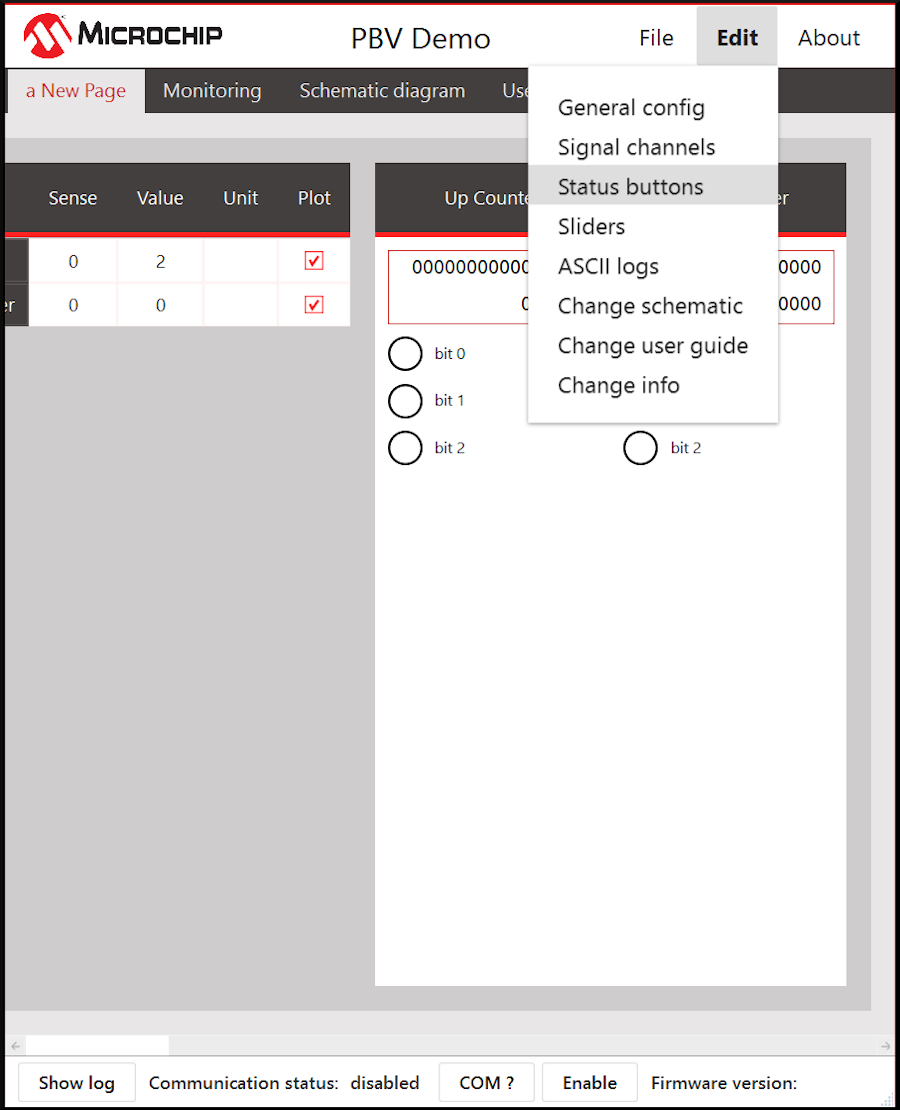
Click Edit → Status Buttons to set up buttons.
All buttons that are defined for the project can be managed from this option as well as adding new ones. Right click and select Add raw message to add a new button.
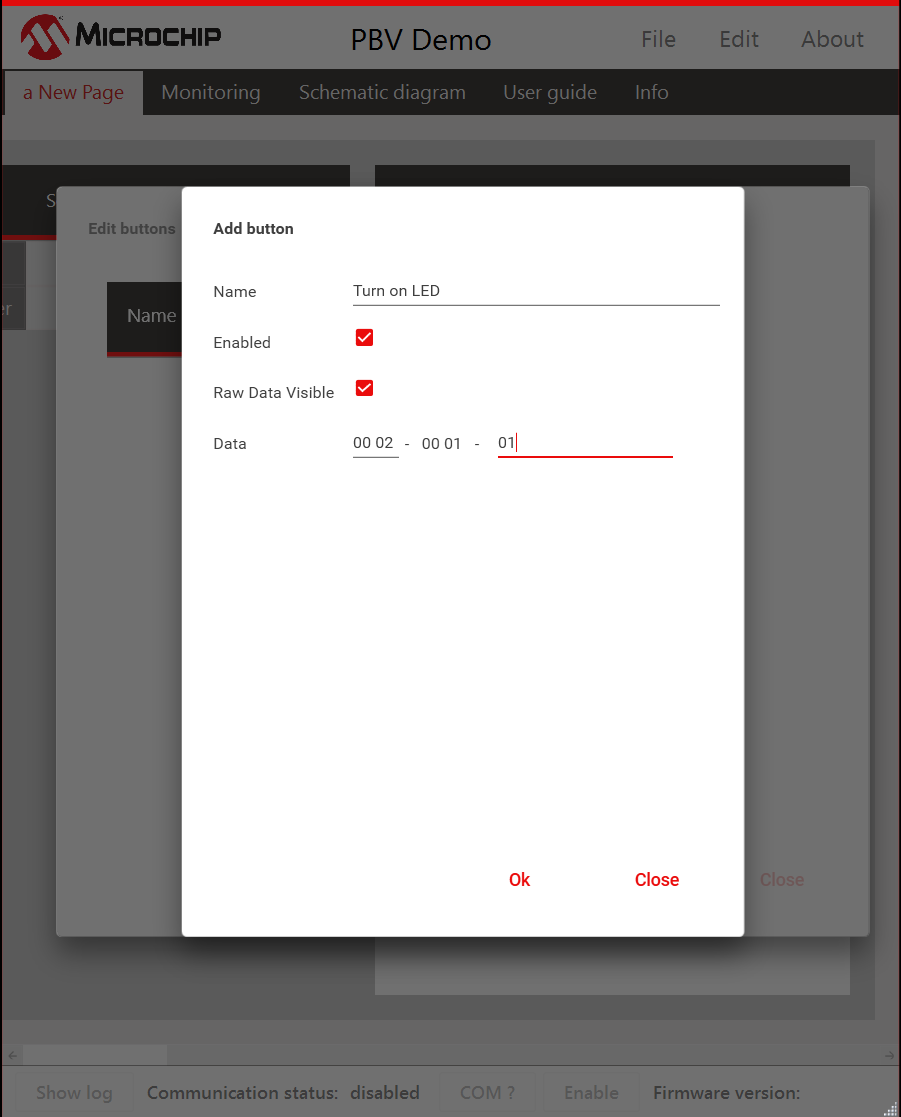
Button Configuration requires everything in Table 4-4.
Name | Name of the button |
Enabled | Enabling the button. Any button can be enabled or disabled by right clicking the button and by editing its properties. |
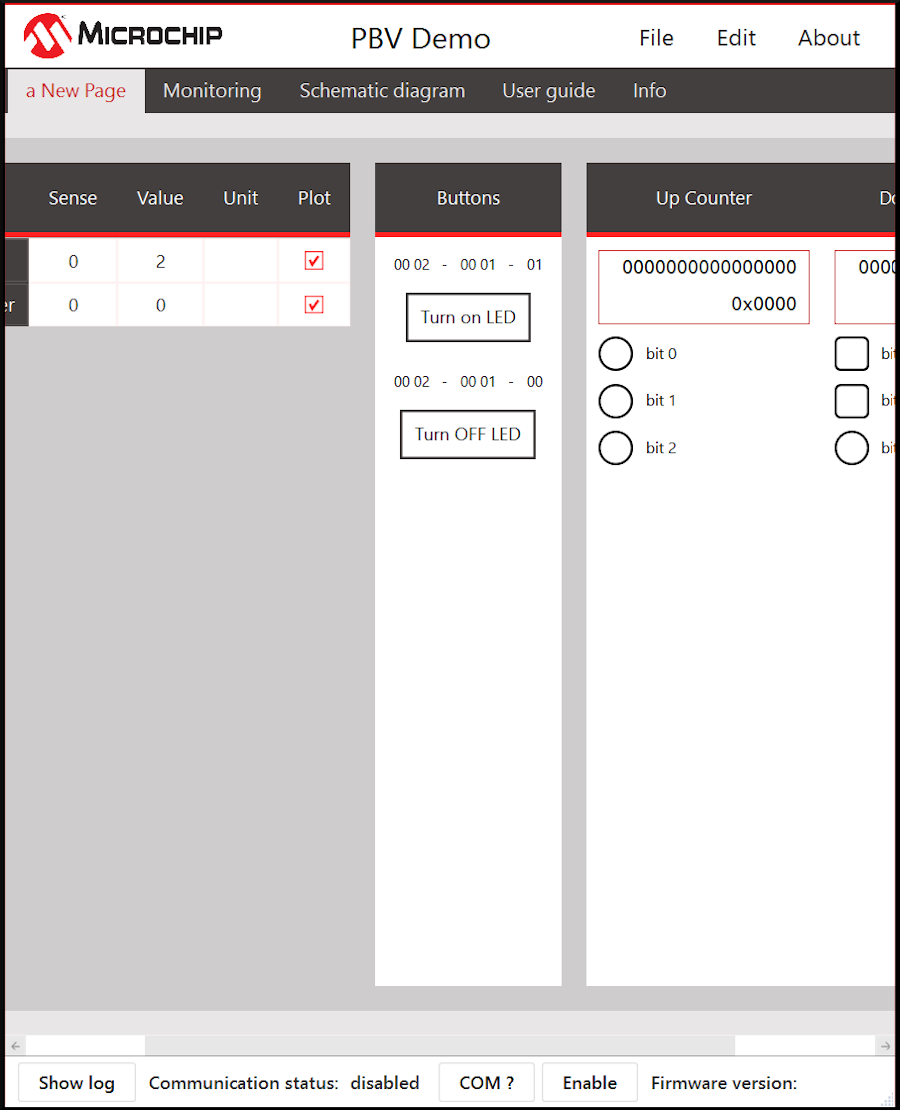
Raw Data Visible | Enabling the checkbox would show what data is being sent on top of the button. |
Data | The actual data to be sent. The data would then be framed as per the framing strategy defined. In Figure 4-15, 00 02 is the protocol ID. 00 01 are the number of bytes (automatically calculated). 02 are the data being sent. |
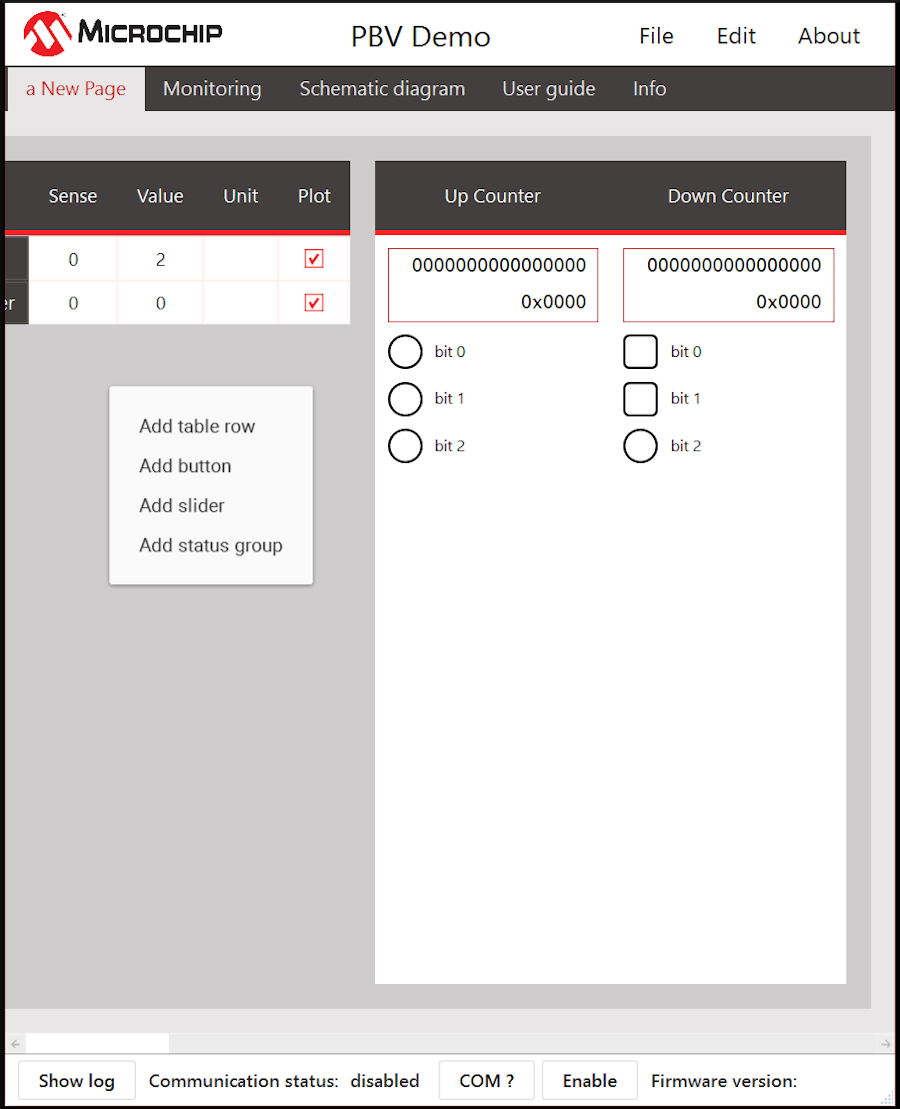
Buttons can also be added by right clicking in the Buttons area.