9.2.2 Starting FlashPro®
You can start the FlashPro® software from .
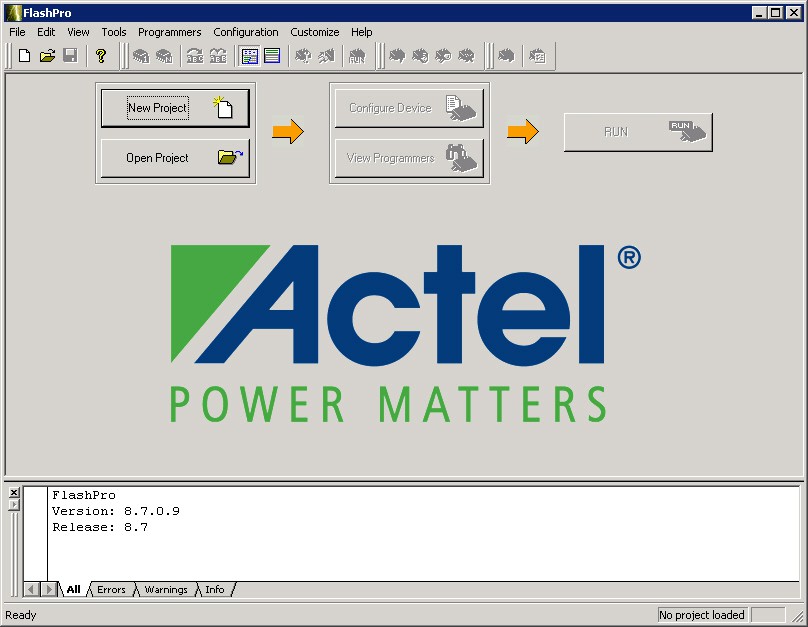
If you installed the program in a folder other than FlashPro, choose that folder from the Programs menu. The figure below shows the FlashPro GUI. From this GUI, you can create a new project by clicking the New Project button or open an existing project by clicking the Open Project button.
You can also access these functions from the menu bar. All additional FlashPro features become available after you open or create a new project.