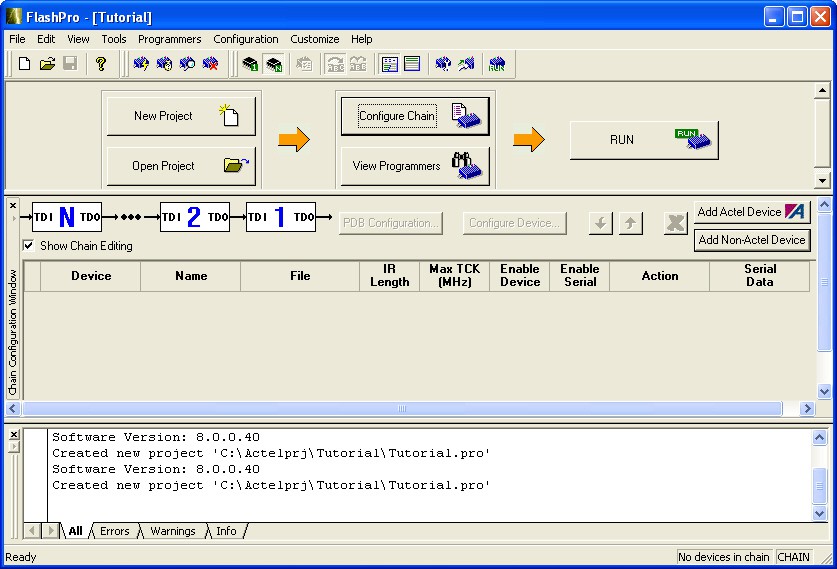
9.3 FlashPro® Interface
The main FlashPro® interface consists of two views: one for Single Device Programming and one for Chain Programming. The GUI consists of Flow window, Device Configuration window, Log window and Status bar.
The Log window displays programming information, error messages, and warning messages. The Status bar displays your programming mode (chain programming or single device programming) and file status.
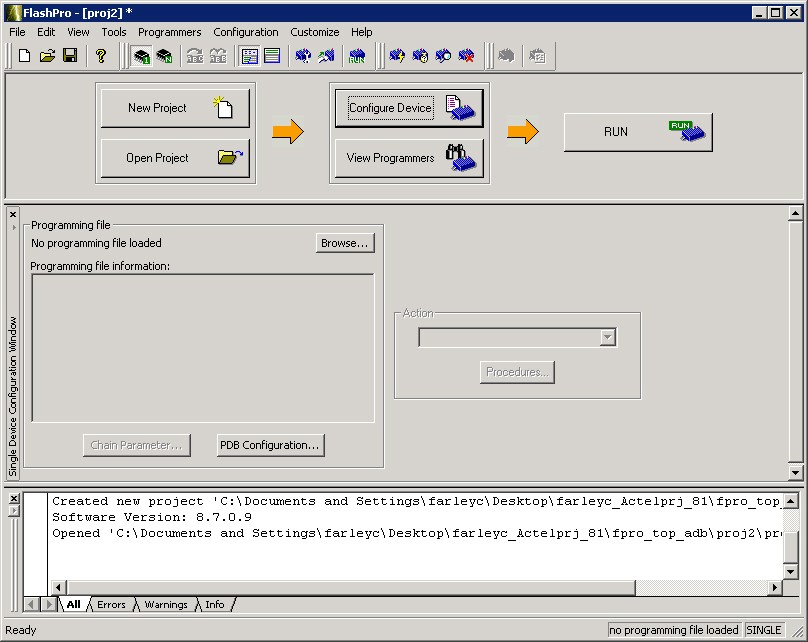
Note: The different options in the Flow window for the Chain Programming GUI and the Single
Device Programming GUI. In addition to the different Flow window options, the Chain
Programming GUI view consists of the Chain Configuration window which displays the devices in
your chain.