
4.3.1.2 Running and Stopped Mode
The run mode button controls whether the time plot is updating or not.
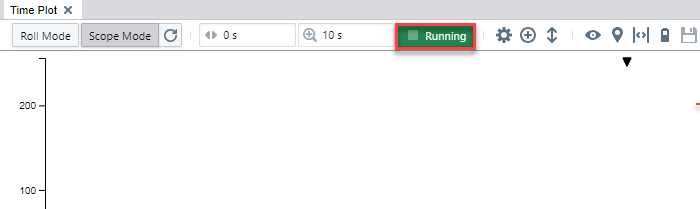
Stopped Mode: The time plot content does not update. In this state, it is possible to pan and zoom in the time plot to investigate the plotted data in detail.
Running Mode: In this mode, the plot is updated as data is captured. The behavior depends
on the selected Time Mode. In Roll Mode, the plot is scrolling from the left towards the
right. In Scope Mode, the plot is redrawn periodically or on a trigger condition.
Note: In stopped mode, captured data might not be visible even
though streaming is enabled. To ensure that the most recent data is being displayed
live, set the run mode to Running and the time mode to
Roll.